What Powers This Website
Everything you see on labattsimon.com — from the page you're reading right now to the CMS behind it — was built by one person and AI. Here's every feature under the hood.
The Case for Purpose-Built
WordPress needs 30+ plugins to do what this platform does natively. Each plugin is a dependency, a security surface, a performance cost, and a compatibility risk. Update one and watch three others break.
Off-the-shelf platforms are built for everyone, which means they're optimized for no one. Generic code paths, bloated JavaScript bundles, and one-size-fits-all templates that look like every other site on the internet.
Every feature on this platform was built for this specific business — not every business. There are no unused modules loading in the background, no plugin conflicts to debug, and no performance tax from code that exists "just in case."
AI helped plan the information architecture, then we built it feature by feature, optimizing as we went. The result is a platform that evolved through dozens of iterations, each one making it faster, more secure, and more capable.
AI generated the first draft of every article, then I refined it. I can modify a section, extend an argument, or restructure the whole piece — and the AI works with what's already there, not from scratch. That's the difference between AI as a tool and AI as a collaborator.
AI that collaborates, not just generates.
This is the key difference. AI isn't just generating a first draft and walking away. It generates entire articles from a prompt, then you can refine specific sections, extend arguments, restructure the flow, or add new material — and the AI works WITH your existing content, not instead of it. SEO metadata, schema markup, FAQ sections, and images are all generated contextually from the article itself.
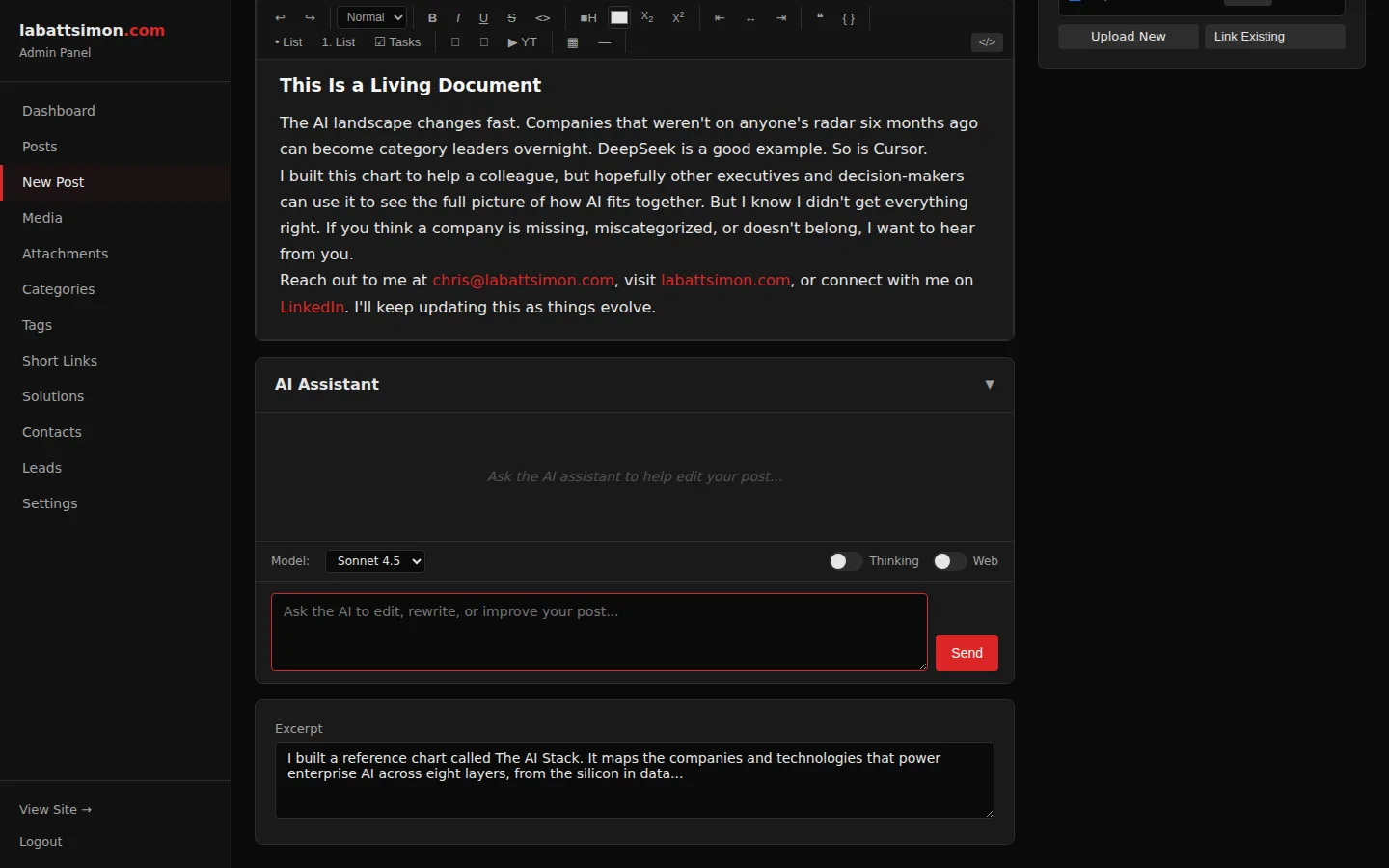
Built-in AI chat in the post editor powered by Claude. Web search toggle for real-time research. Extended thinking mode for complex analysis. Full conversation history.
Research, brainstorm, and fact-check without leaving the editor. Web search pulls current data into the AI's context.
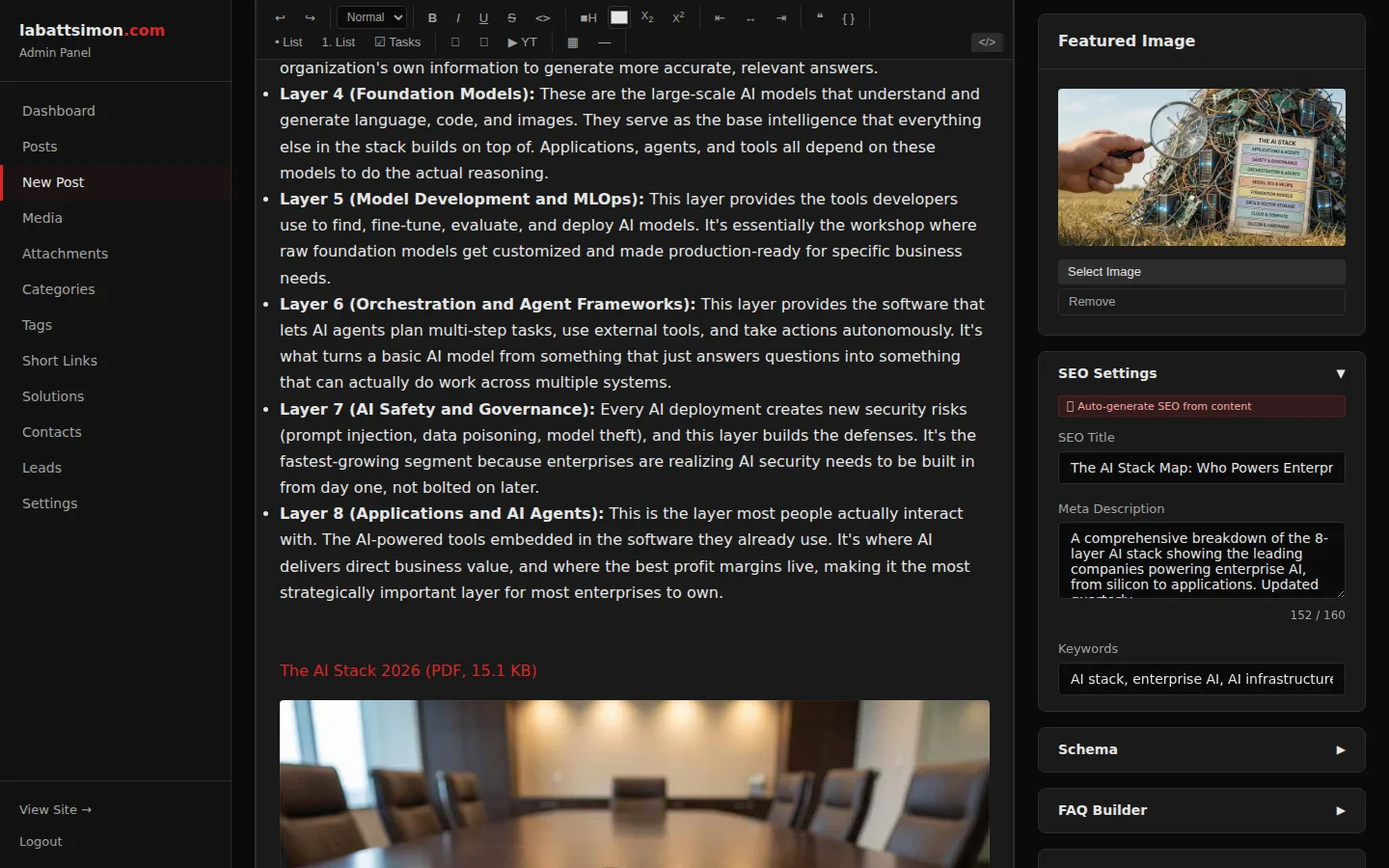
One-click generation of meta title, meta description, keywords, and URL slug based on post content. Uses Claude Sonnet for fast, accurate output.
Consistent, optimized SEO metadata across every post. Saves 5-10 minutes per article.
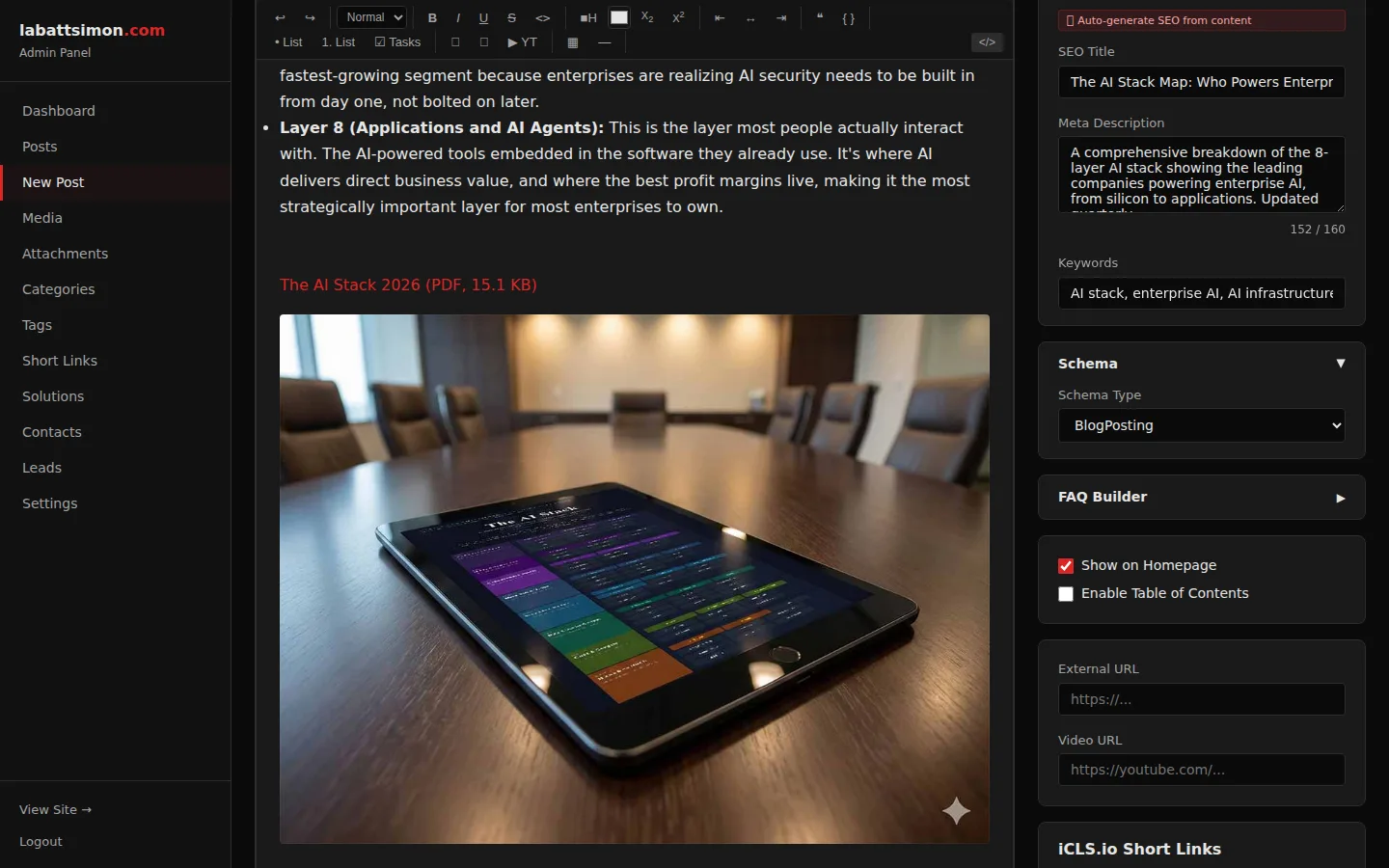
Generates JSON-LD structured data (Article schema) from post content. Validates and formats for search engine rich results.
Rich snippets in search results without manual JSON-LD authoring. Improves click-through rates from organic search.
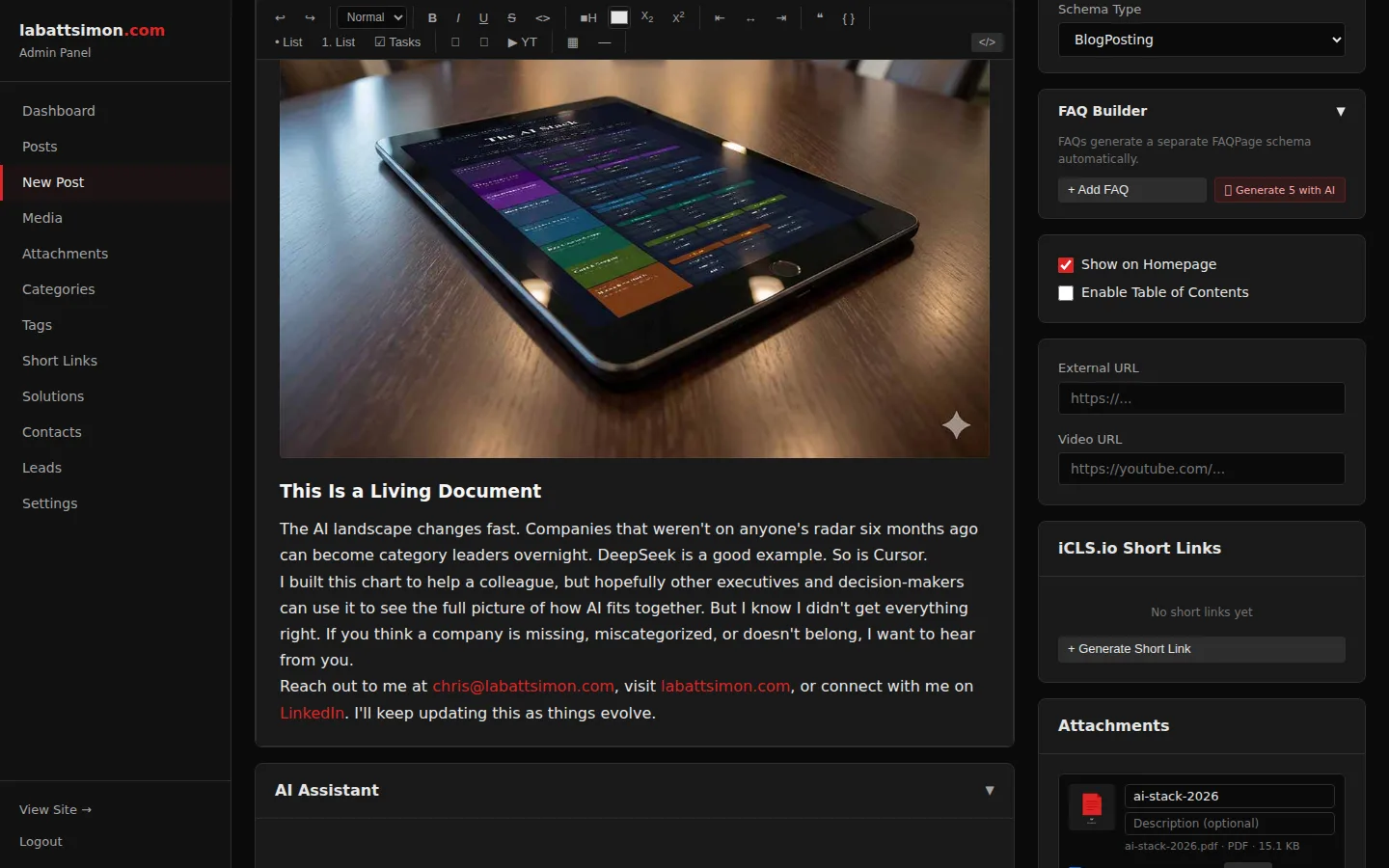
Analyzes post content and generates relevant FAQ pairs. Outputs both visible FAQ section and FAQPage schema markup for search engines.
FAQ rich results capture additional SERP real estate. AI generates contextually relevant questions, not generic ones.
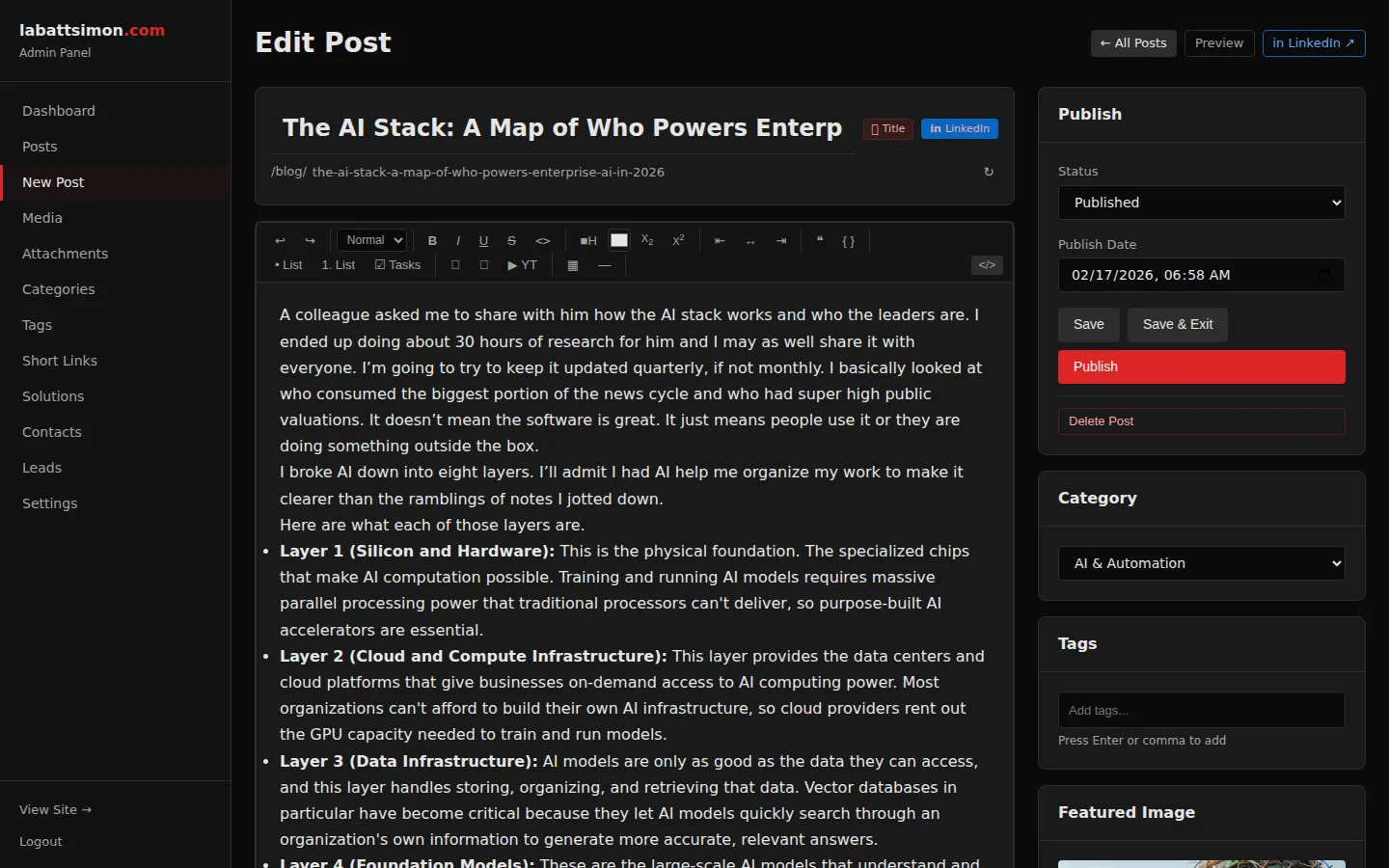
Generate featured images and in-post images using AI (Gemini). Custom prompts, regeneration, and iterative refinement from within the editor.
No stock photo subscriptions needed. Generate unique, on-brand images tailored to each article's content.
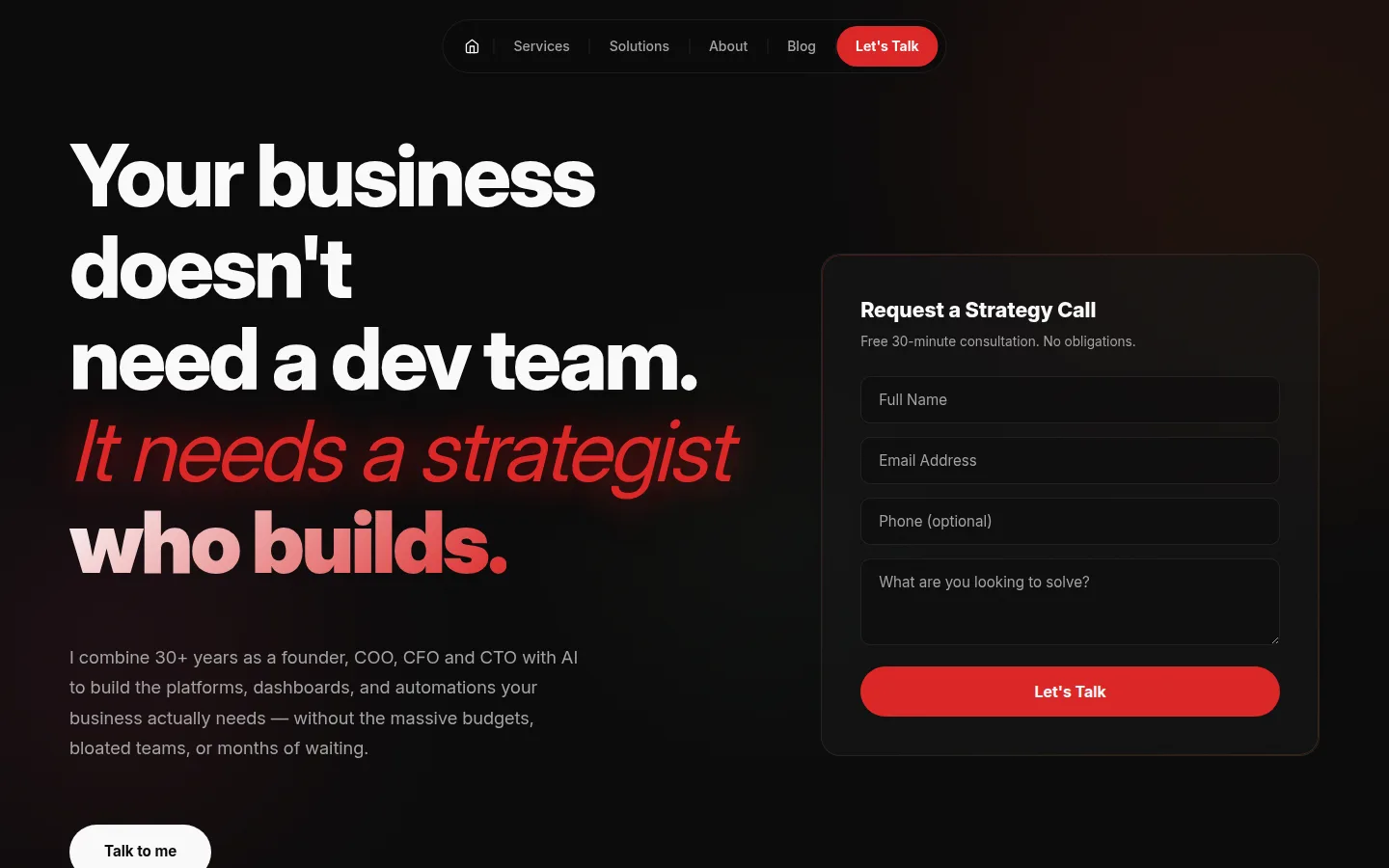
Engineered for conversion from the first pixel.
The visitor experience is everything. Editorial design that builds trust before the first scroll, responsive layouts that perform on every device, and conversion points woven into every page. Every element was designed with one question in mind: does this move a visitor closer to a conversation?
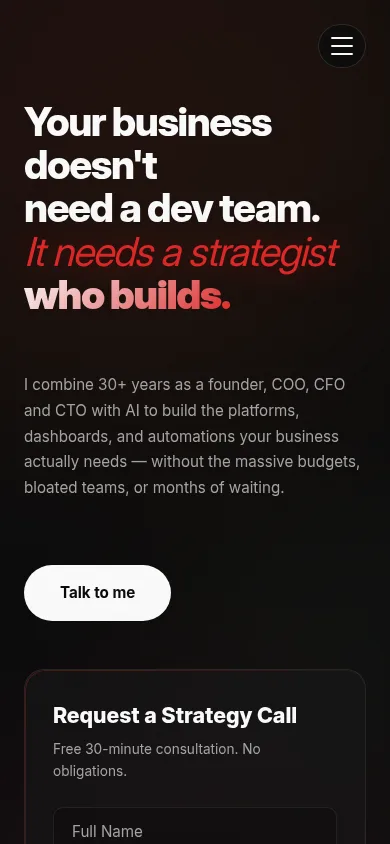
Full-width hero with editorial headline, animated text reveal, and integrated lead capture form. Visitors can convert without scrolling.
Form is above the fold — visitors don't have to scroll to convert. Animated effects create a premium "agency" feel that builds trust instantly.
Animated credential bar showcasing key stats (30+ years, $12M revenue, Inc. 500, 50%+ growth) with count-up animation on scroll.
Social proof positioned immediately after the hero builds credibility before visitors even reach the services section.
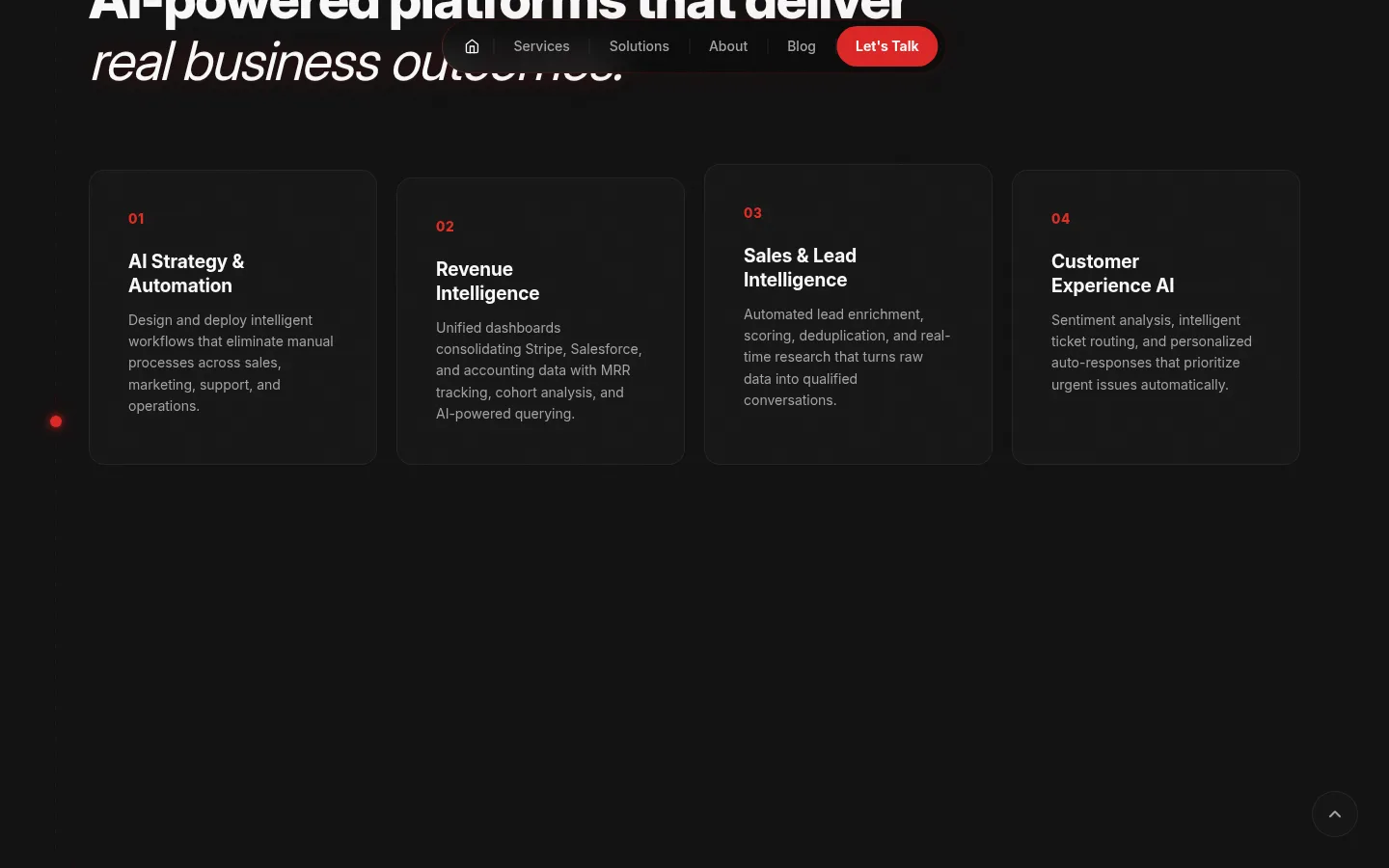
Eight-card grid of service offerings with icons, descriptions, and hover effects. Responsive layout adapts from 4-column to 1-column.
Scannable service overview lets prospects quickly identify relevant capabilities without reading paragraphs.
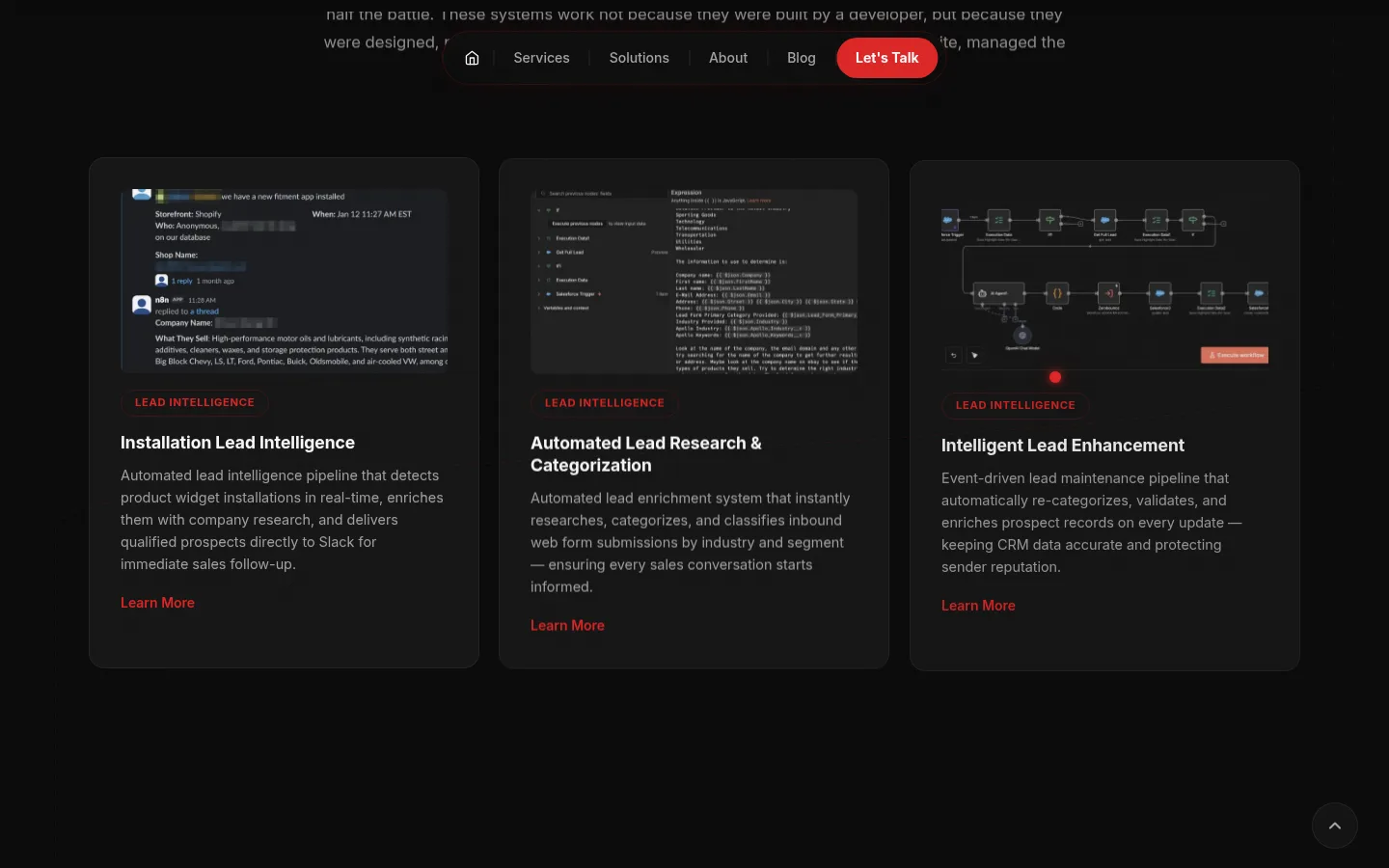
Solutions section pulls live data from the CMS — titles, blurbs, and featured screenshots. Auto-updates when solutions are added or edited in admin.
Zero maintenance — add a solution in admin and it appears on the homepage automatically. No code changes needed.
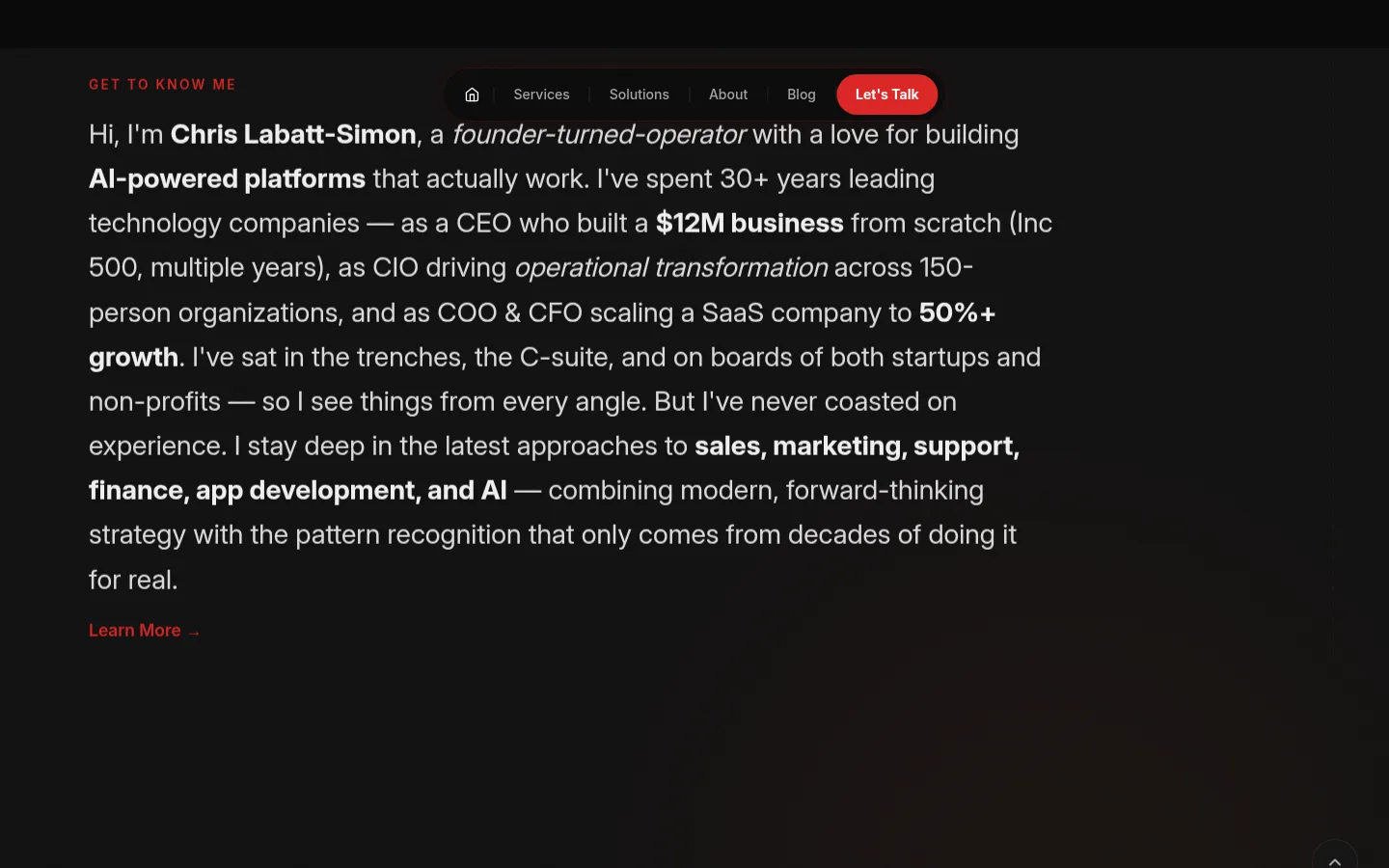
Headshot, bio excerpt, and client testimonials on the homepage. Testimonials use blockquote styling with attribution.
Personal credibility and third-party validation on the same page as the conversion form — reduces friction.
Latest published posts displayed as cards with featured images, excerpts, and read-more links. Pulls from the CMS automatically.
Fresh content signals to visitors (and search engines) that the site is actively maintained.
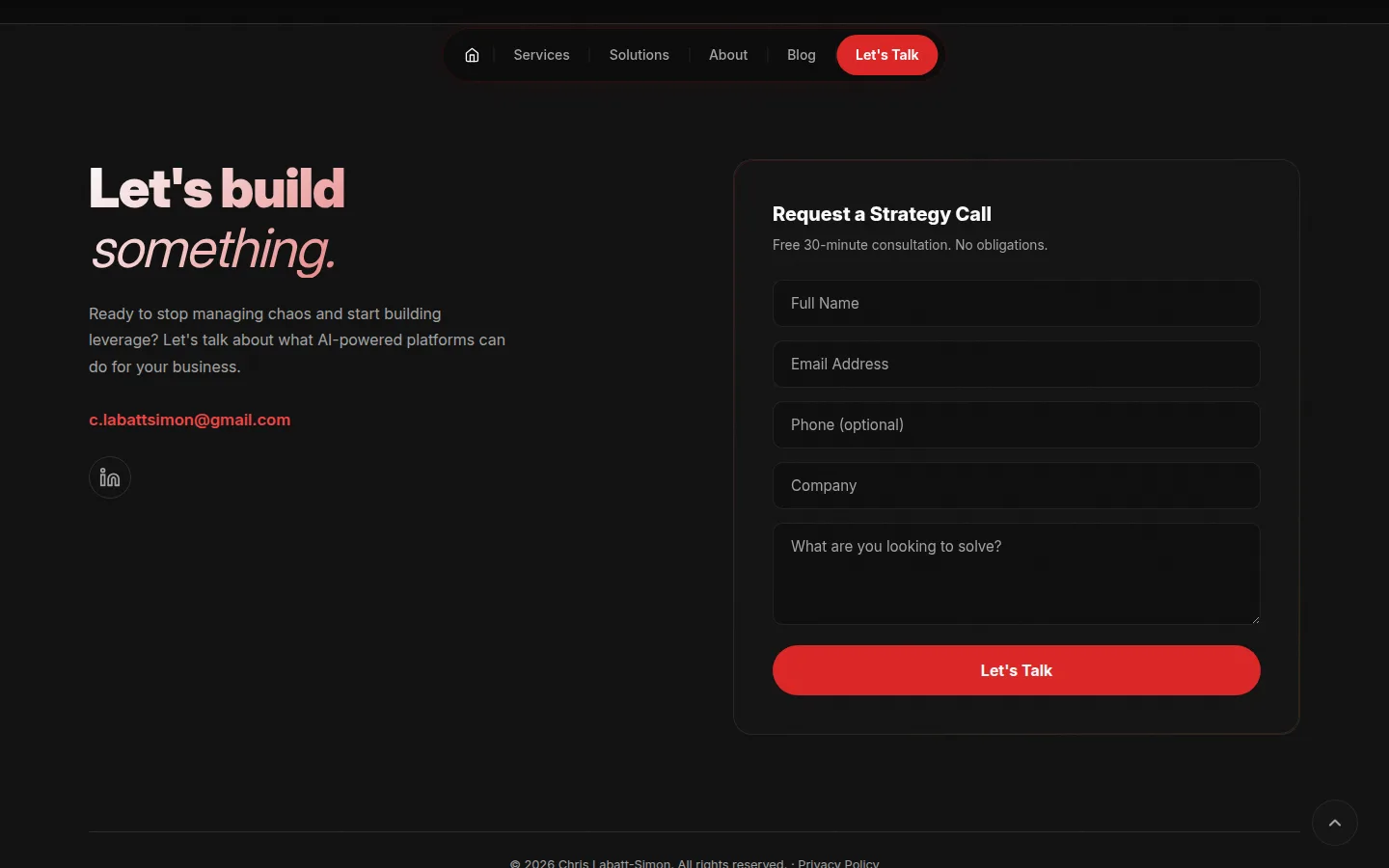
Full contact form in the footer with name, email, phone, company, and message fields. reCAPTCHA v3 protection with honeypot fallback.
Second conversion point at the bottom of every homepage visit — captures prospects who read through the full page.
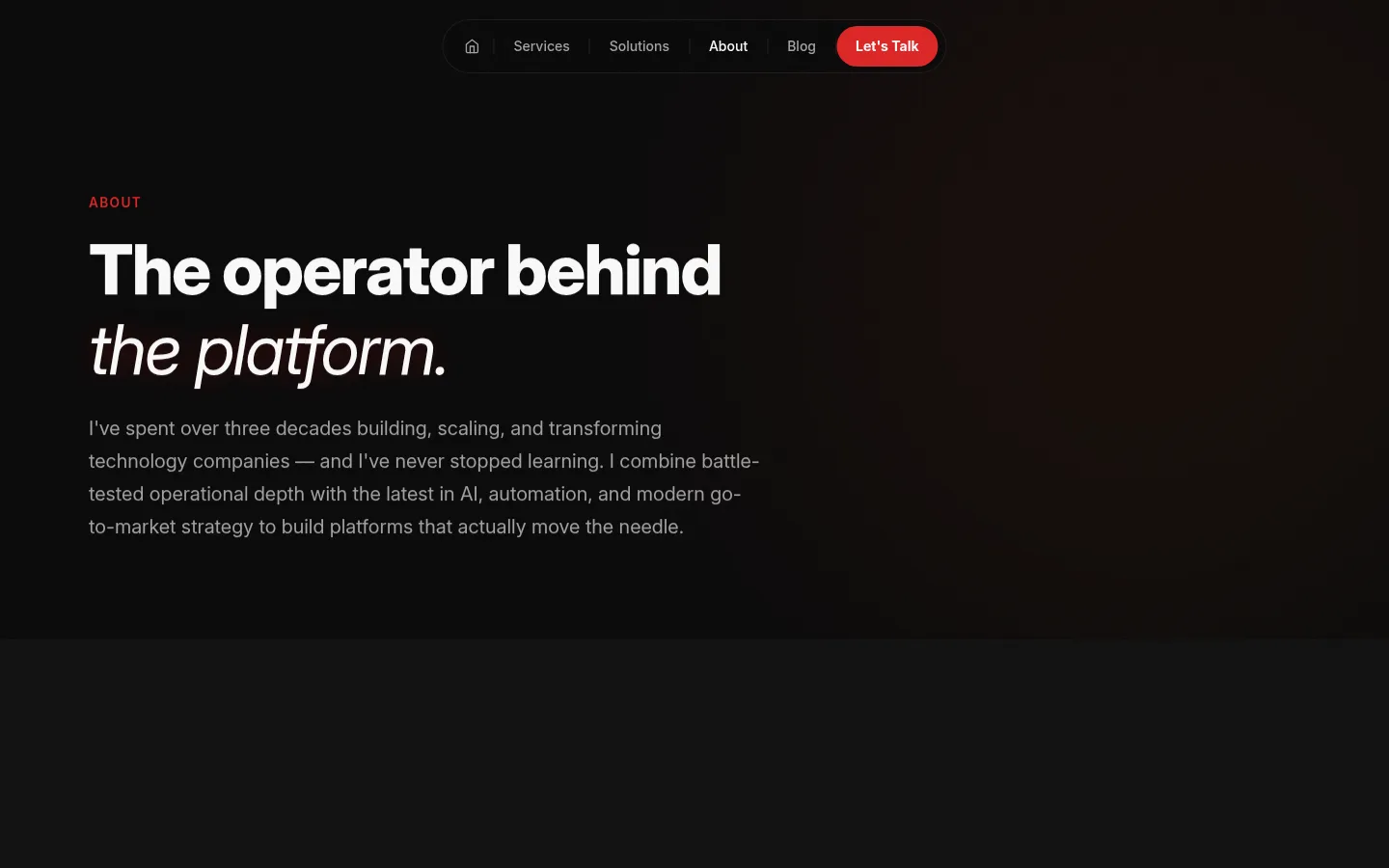
Dedicated about page with hero, headshot + bio grid, experience cards, capabilities grid, testimonials, and CTA. Optimized responsive headshot images.
Professional editorial design builds executive credibility. Responsive images keep load times under 1 second.
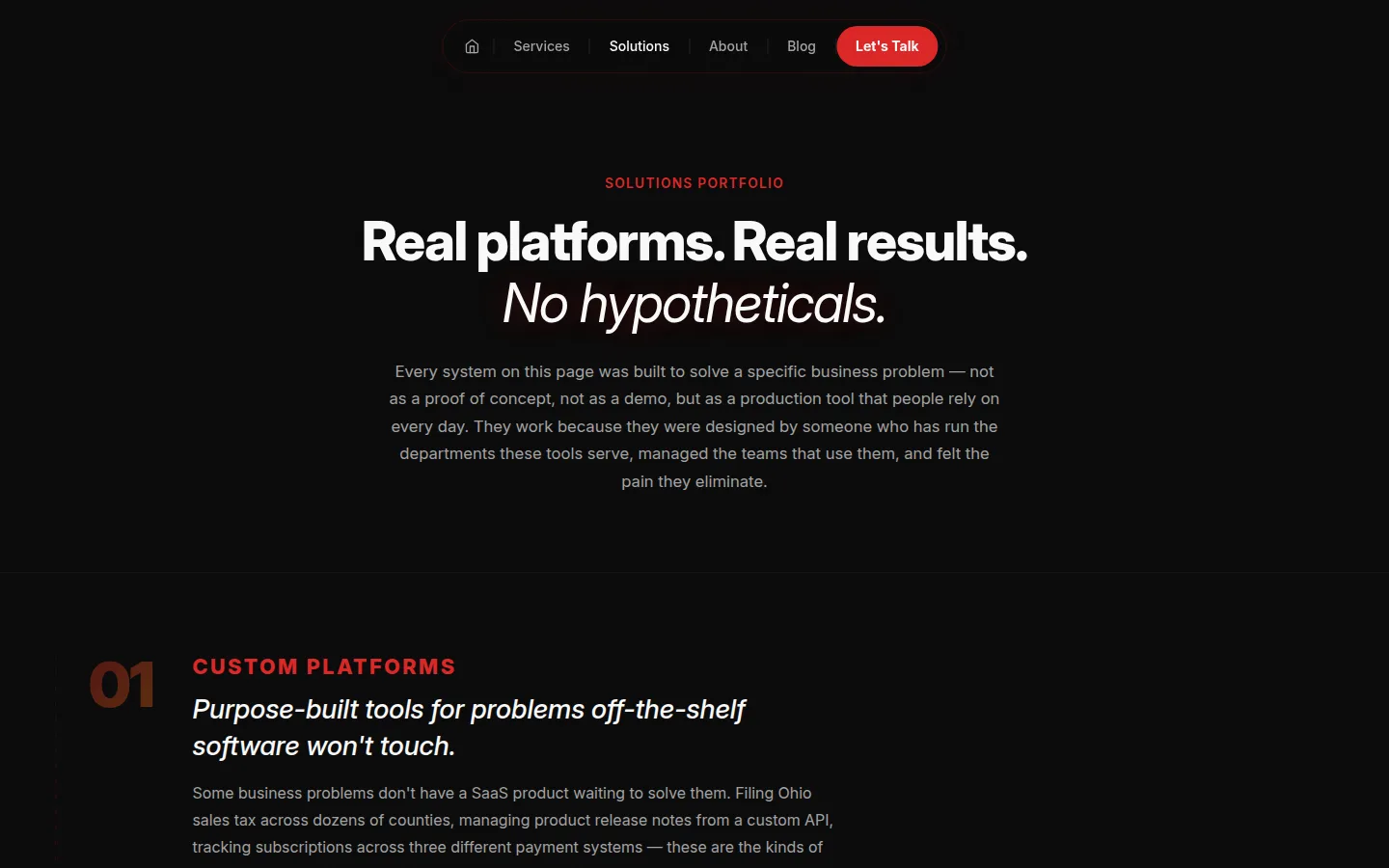
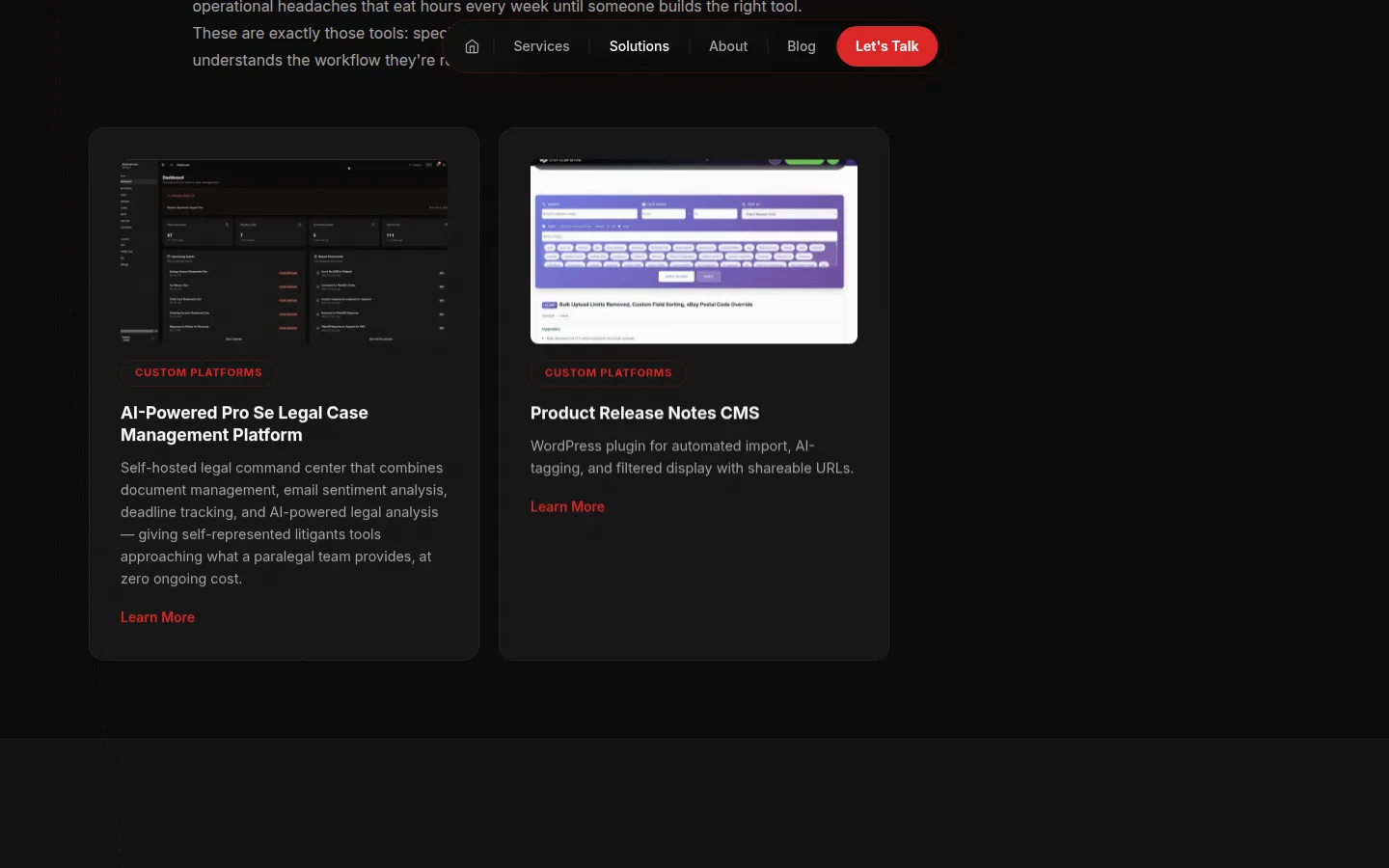
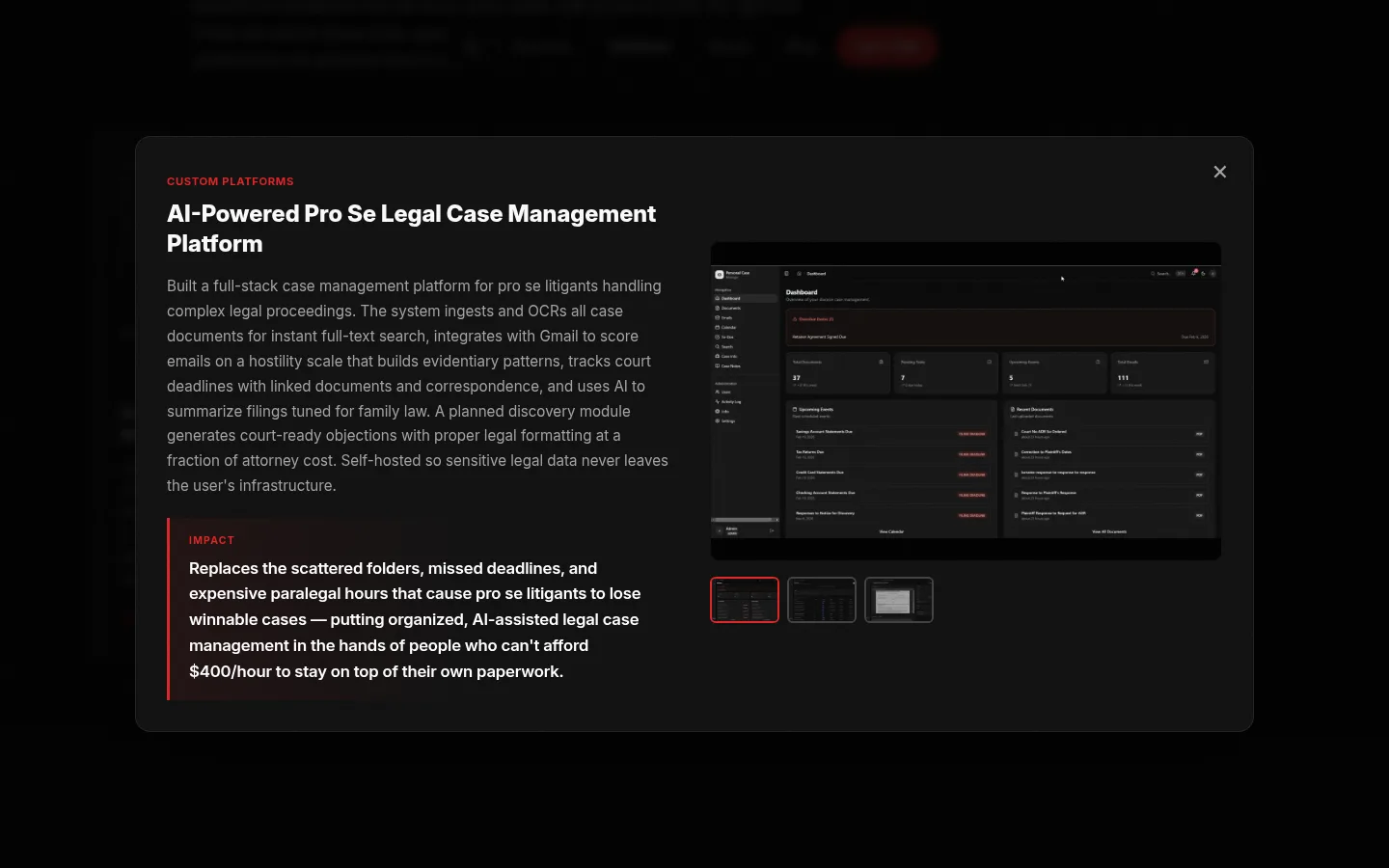
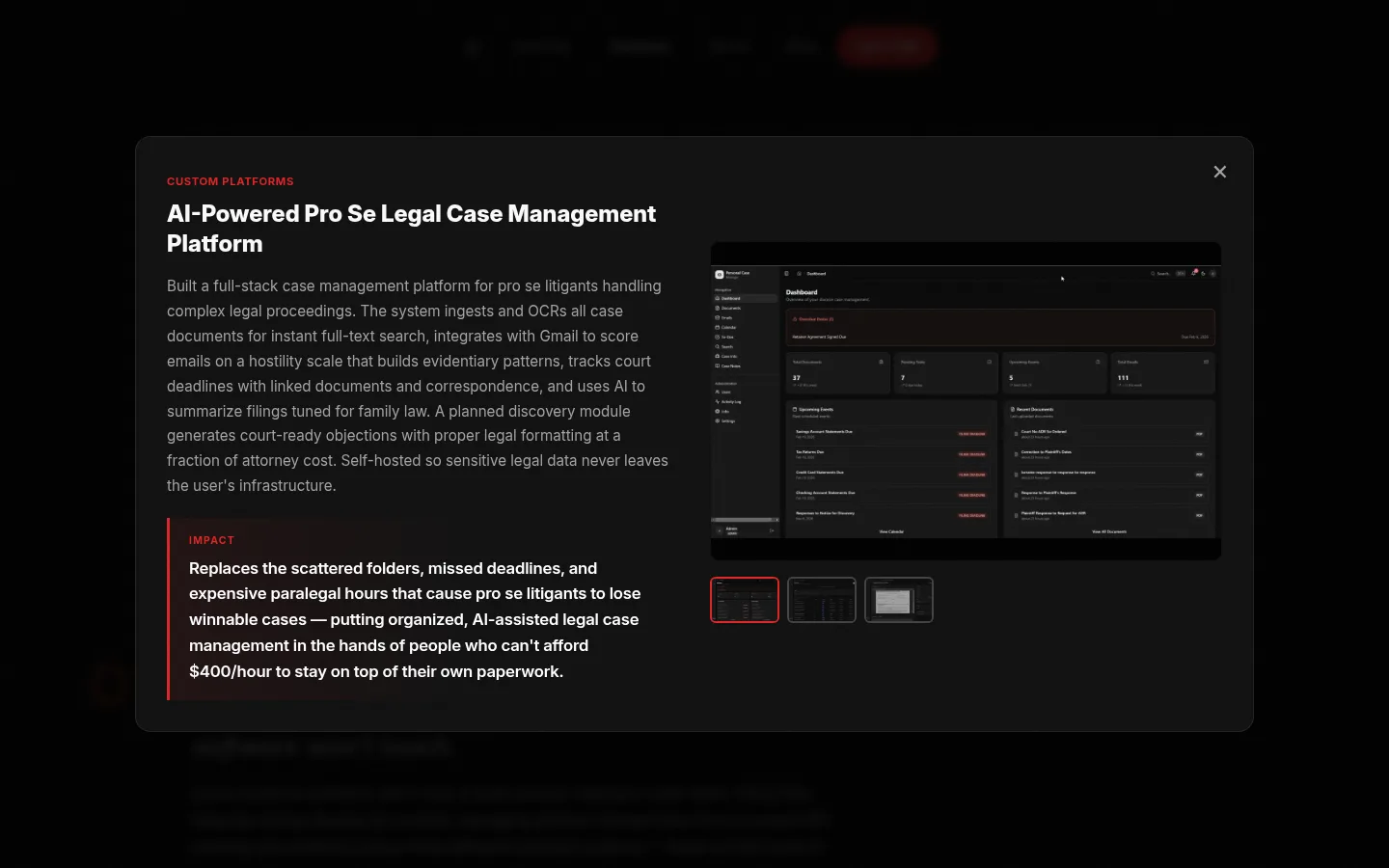
Server-rendered solutions page grouped by category with editorial copy, card grid, detail modals, screenshot galleries, and lightbox zoom.
SEO-friendly server rendering + interactive modals give the best of both worlds — indexable content and rich UX.
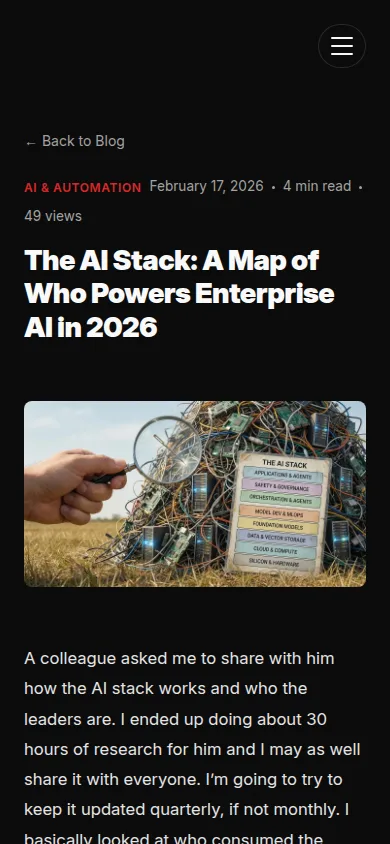
Blog listing with featured images, category tags, and publication dates. Post pages with hero image, article body, share buttons, and related posts.
Full blog system with SEO structure (canonical URLs, Open Graph, JSON-LD) drives organic traffic and establishes authority.
Slide-in contact modal on non-homepage pages, triggered by "Let's Talk" buttons. Same form fields and validation as footer form.
Every page becomes a conversion opportunity without navigating away from content.
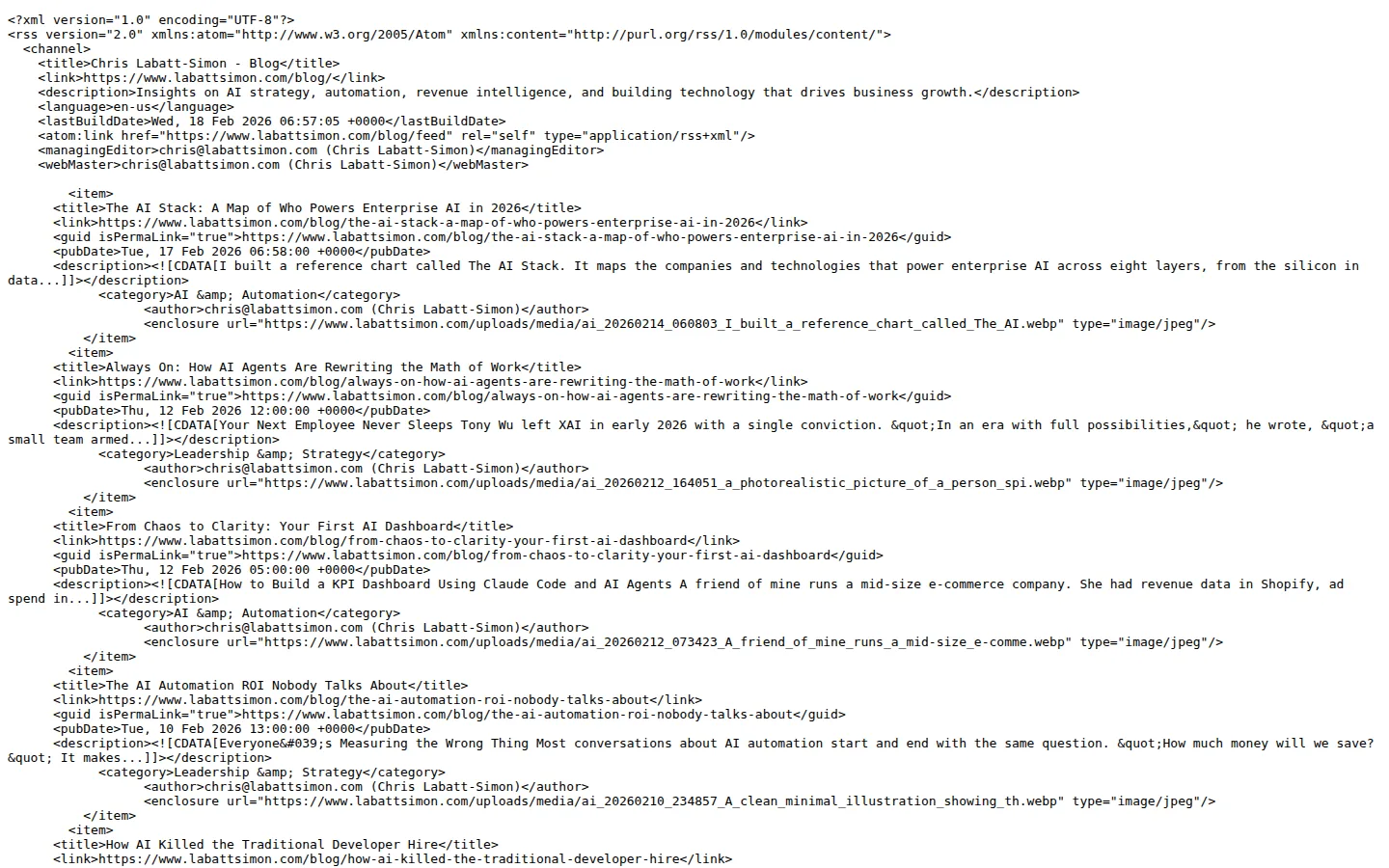
Full RSS 2.0 feed at /blog/feed.php with proper XML headers, CDATA content, and auto-discovery link tags.
Enables syndication, email newsletter integrations, and feed reader subscribers at zero ongoing cost.
Fully responsive across all breakpoints — hamburger nav on mobile, stacked layouts, touch-friendly controls, and optimized image sizes.
Over 60% of traffic is mobile. Responsive design ensures conversion rates don't drop on smaller screens.
Hash-based deep links (e.g. /solutions/#sol-19) open specific solution modals directly — shareable URLs for individual solutions.
Share direct links to specific solutions in emails, LinkedIn posts, or proposals. Visitors land exactly where you want them.
A CMS that works the way you think.
No plugin conflicts. No mystery widgets. No waiting for a developer to change a headline. This CMS was built for one purpose: to let you write, schedule, organize, and publish content from a single interface that does exactly what you expect, every time.
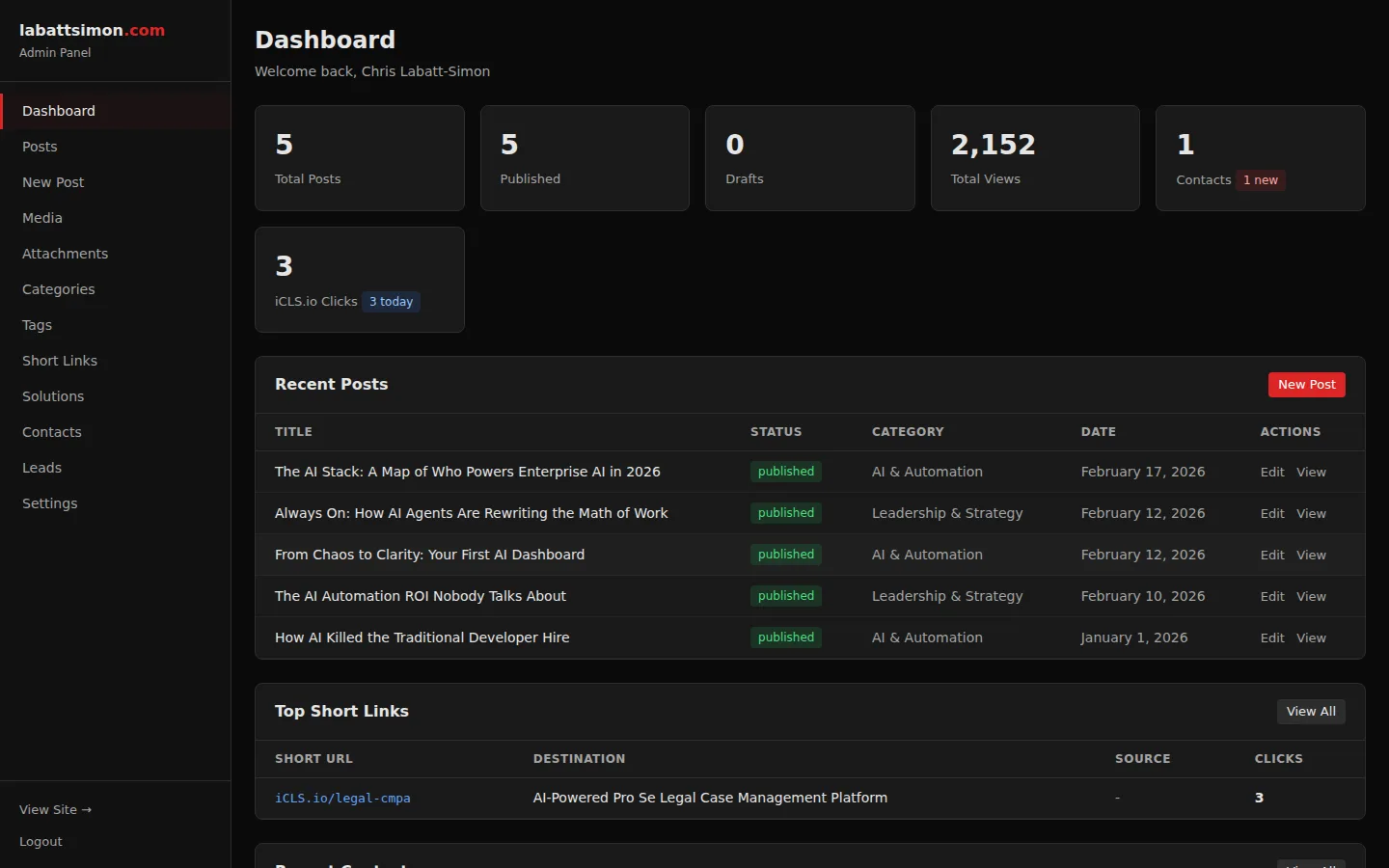
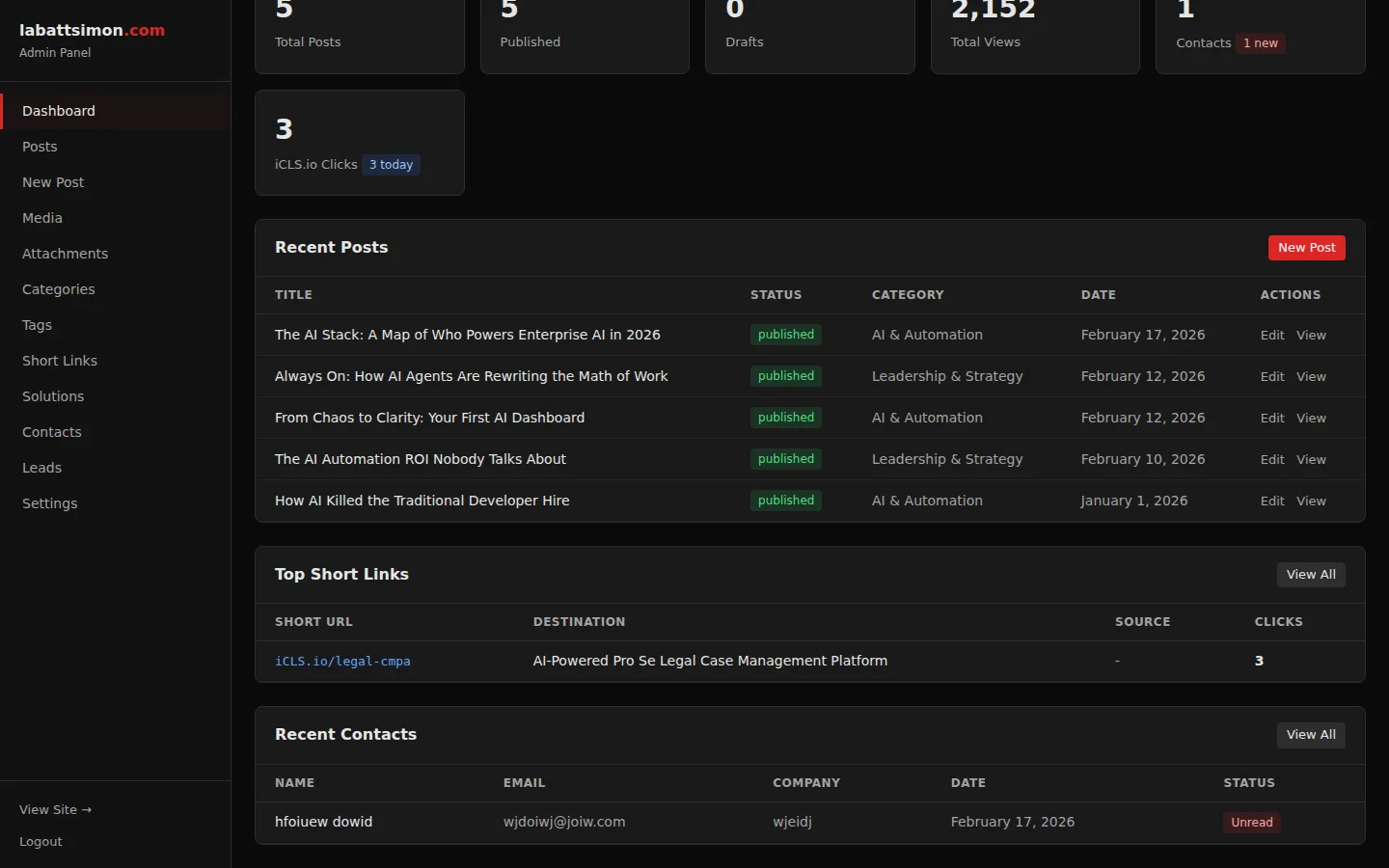
Secure admin panel with at-a-glance stats: total posts, published count, draft count, contact submissions, iCLS.io clicks, and top-performing short links.
Single-screen overview of all key metrics. No digging through multiple pages to understand site health.
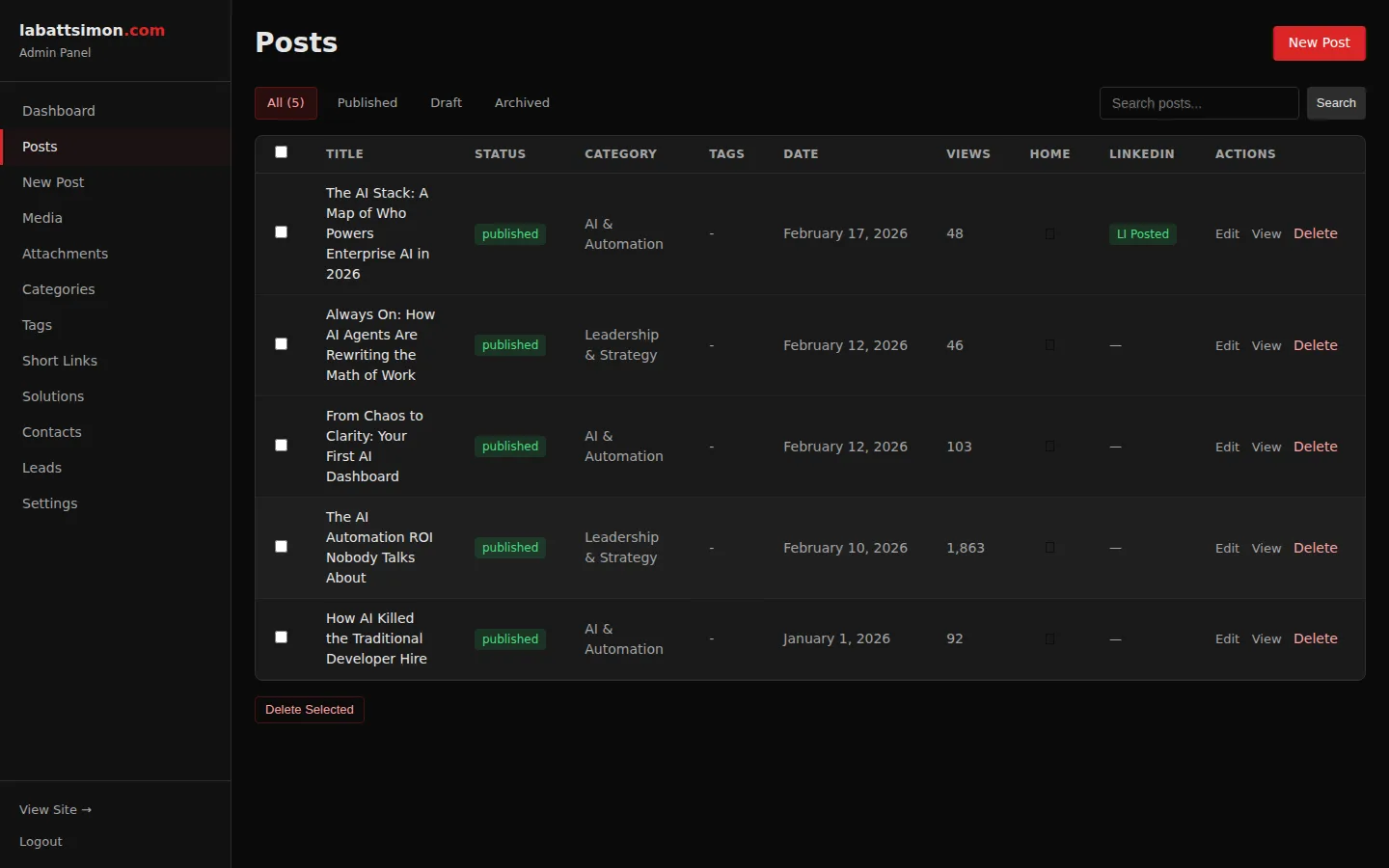
Filterable post list with status badges (Published, Draft, Scheduled), homepage toggle, category, publication date, and bulk actions.
Quick visual scan of all content. Toggle homepage visibility with one click. Future-dated posts show "Scheduled" status automatically.
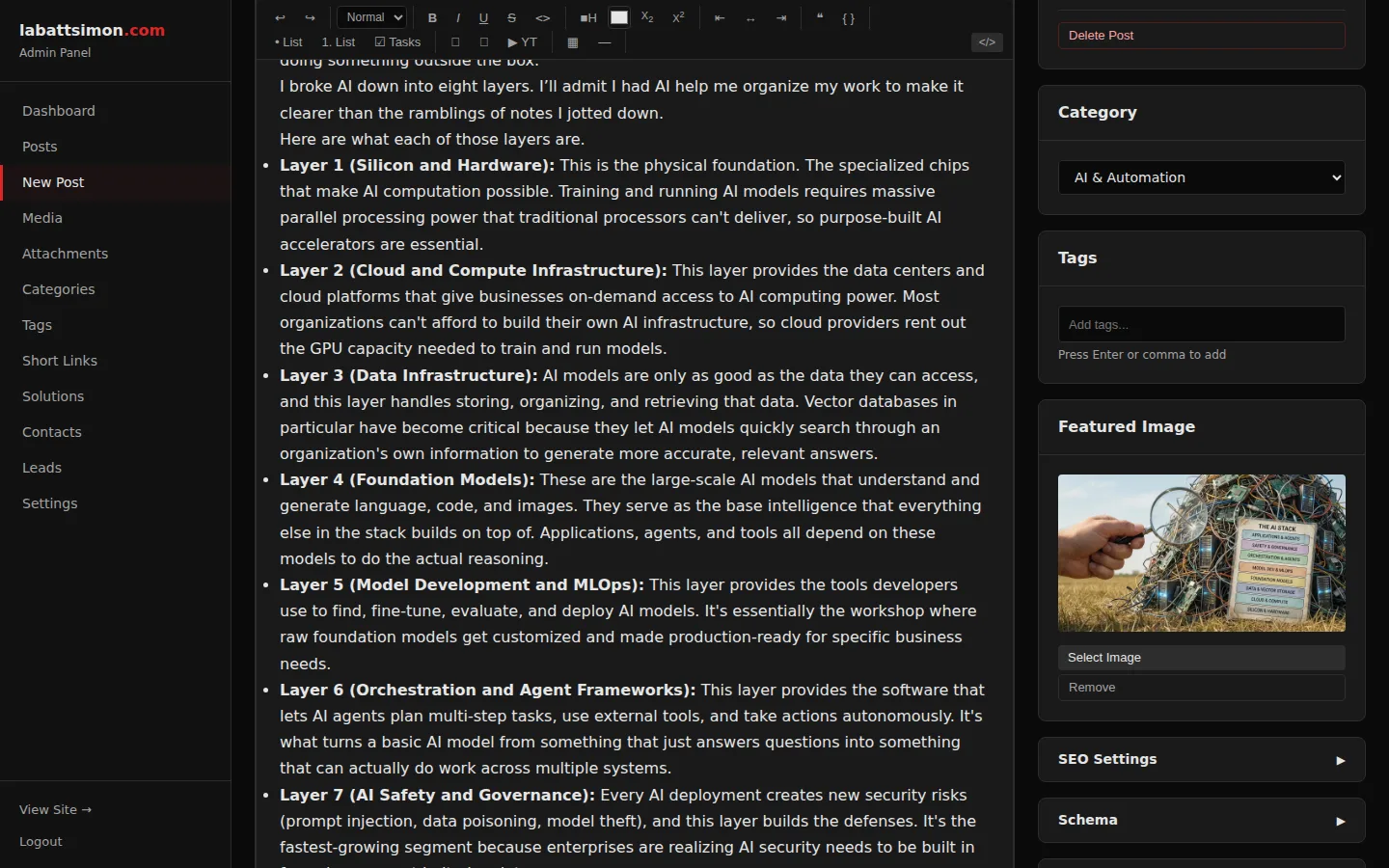
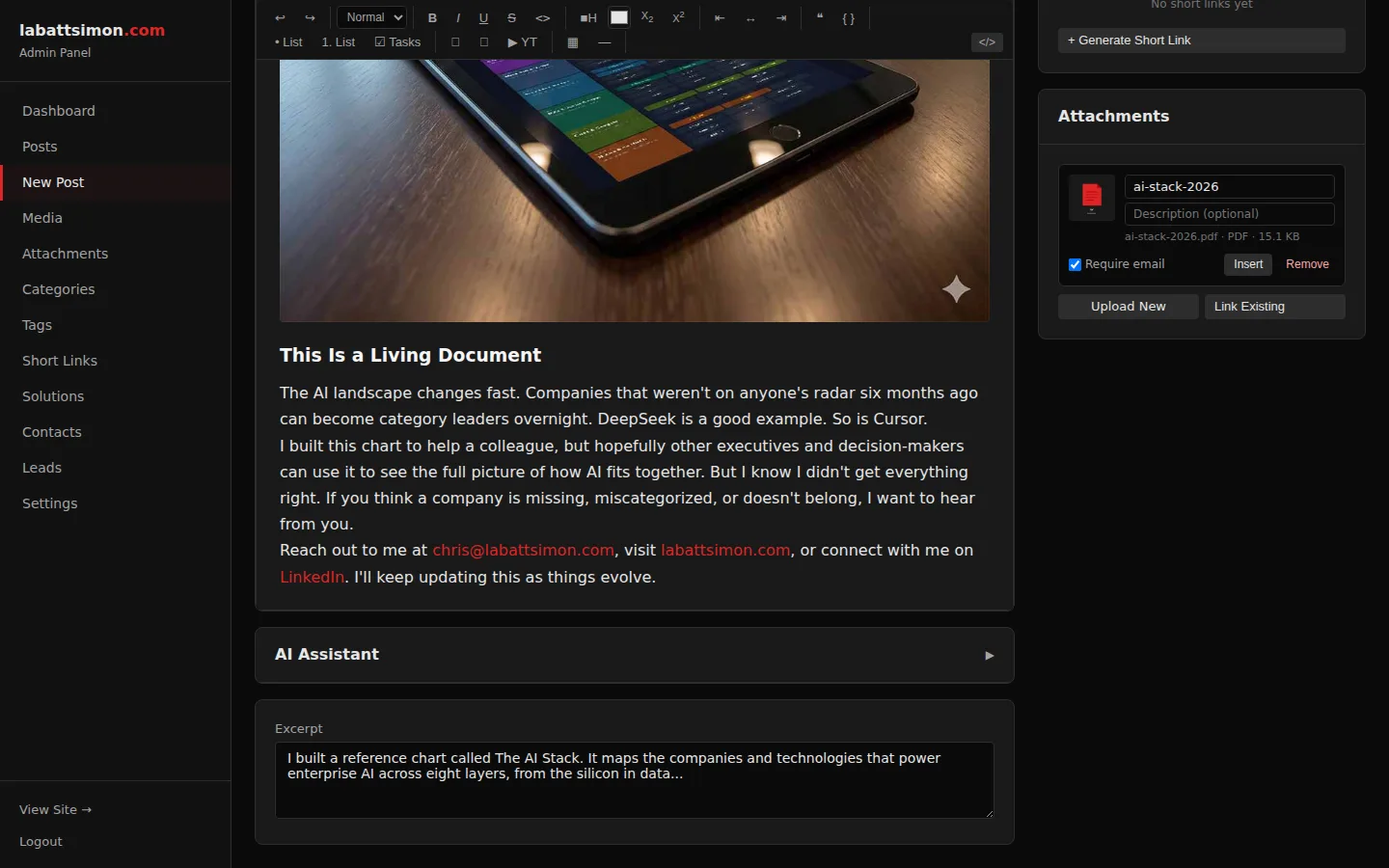
ProseMirror-based TipTap editor with custom toolbar: headings, bold, italic, lists, links, images, tables, code blocks, and blockquotes. Source view for exotic HTML.
Modern, extensible editor that handles everything from simple blog posts to complex technical articles with code samples and tables.
Sidebar panels for SEO settings (meta title, description, keywords), display options (featured, homepage), external URL, and scheduled publishing.
All publishing controls in one sidebar — no page switching. SEO fields auto-populated by AI but manually editable.
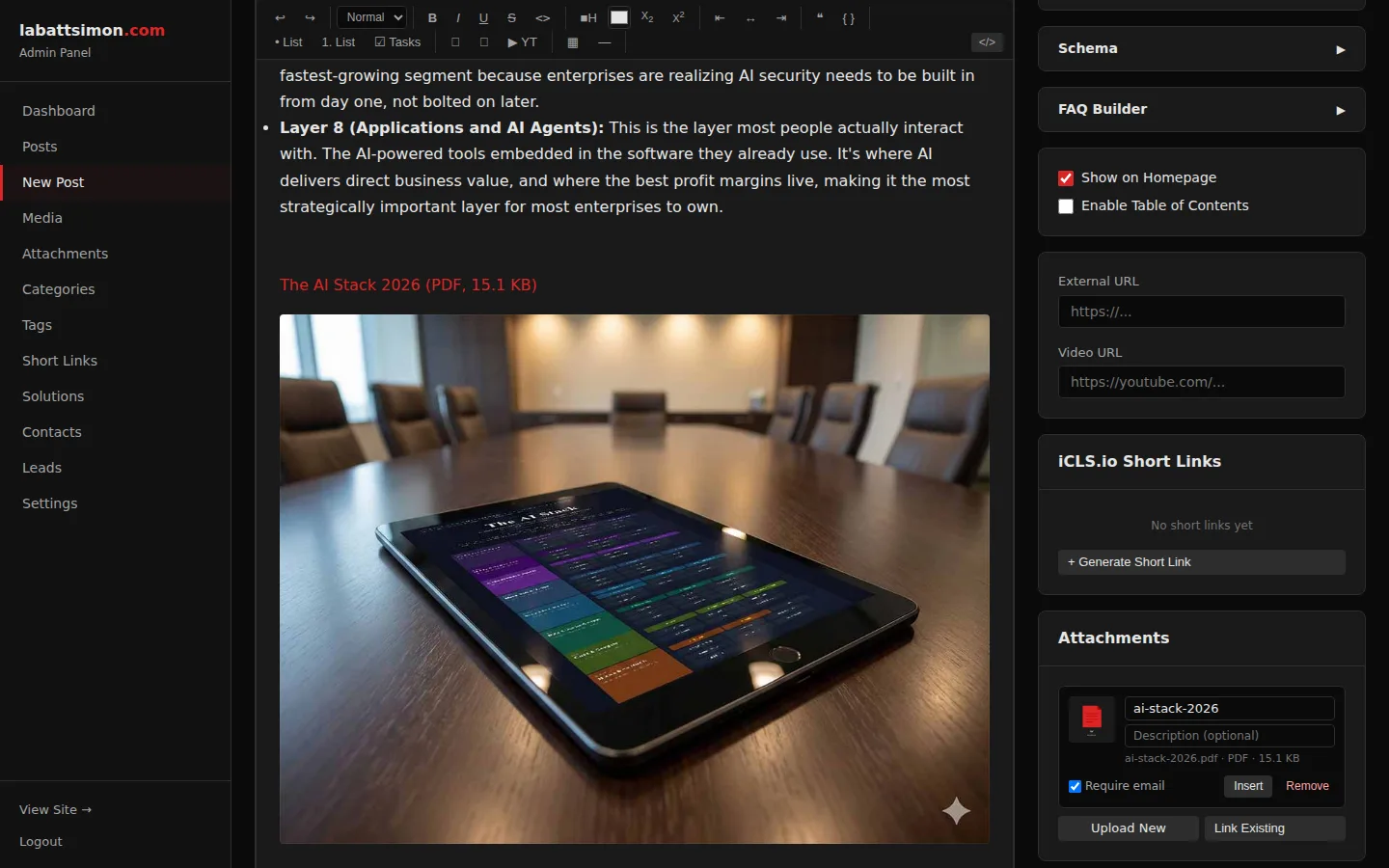
Inline management of iCLS.io short links (auto-generated per platform) and file attachments (upload, edit, reorder, email-gate toggle) directly in the post editor sidebar.
Everything related to a post lives in one place. No context switching to manage distribution links or downloadable assets.
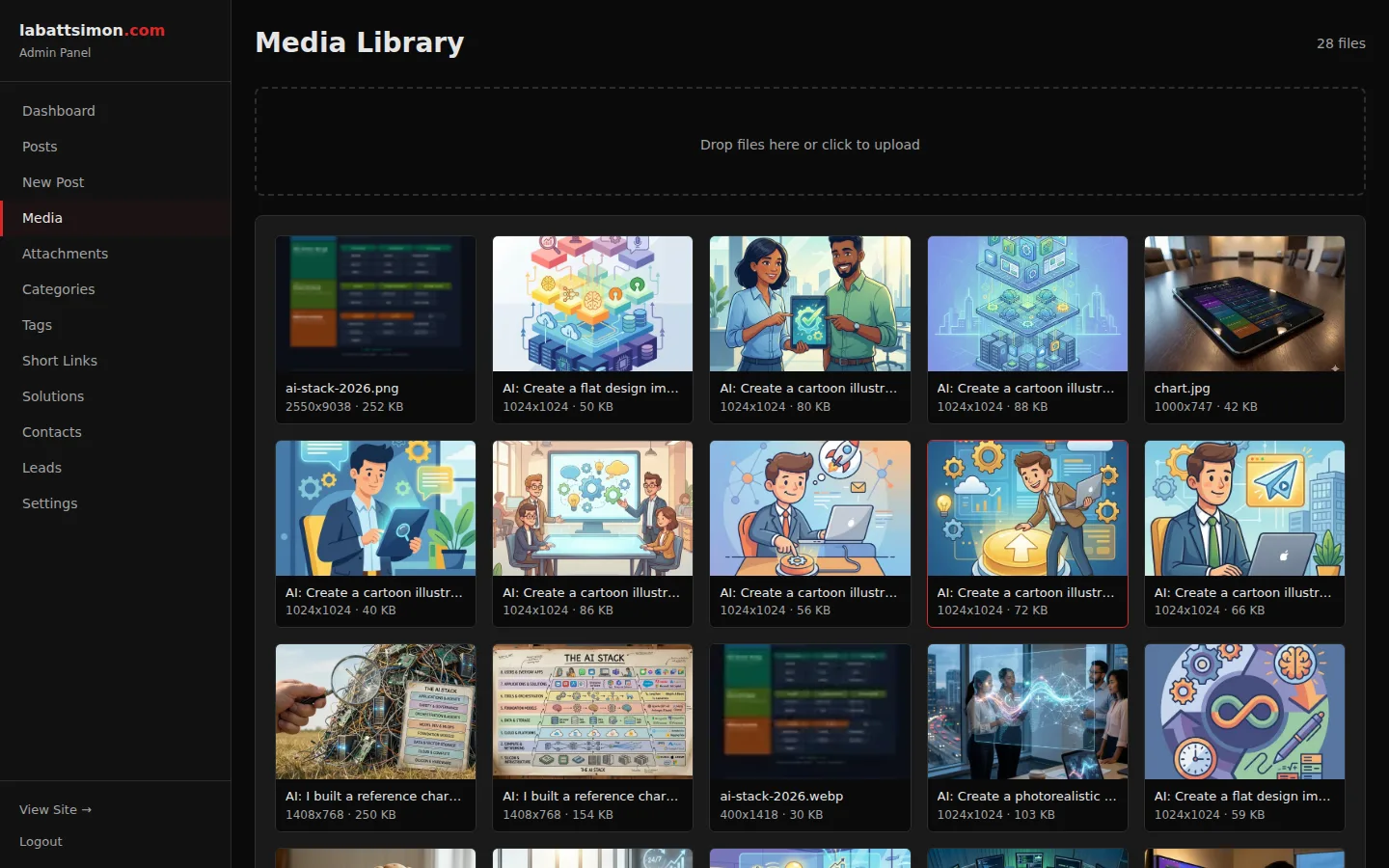
Grid-based media manager with drag-and-drop upload, image preview, copy-URL functionality, and file type indicators.
Visual media management makes it easy to find and reuse images across posts.
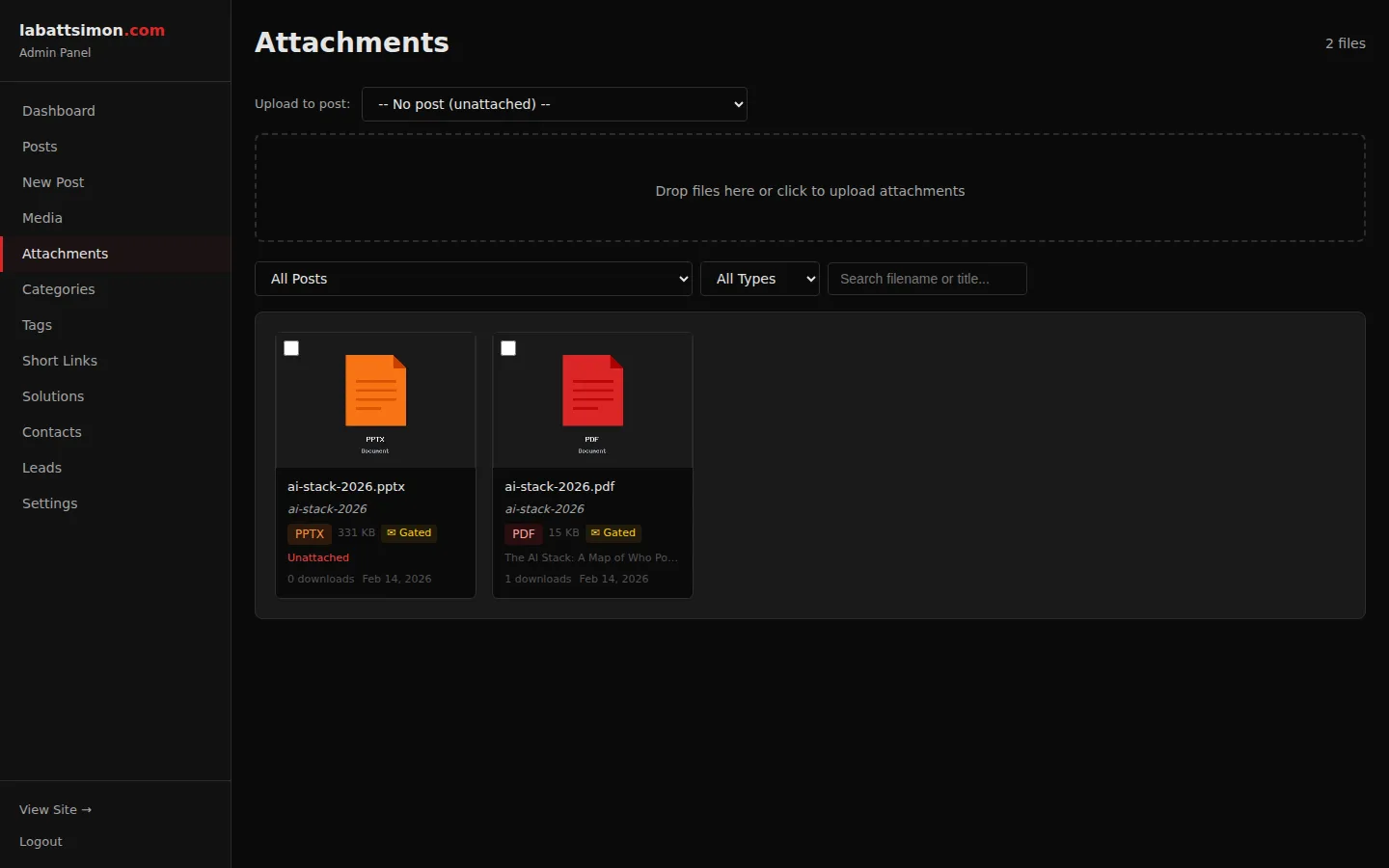
Dedicated attachment management with upload zone, edit modal (title, description, thumbnail), email-gate toggle, and per-post filtering.
Manage downloadable resources (PDFs, spreadsheets, presentations) with optional email capture for lead generation.
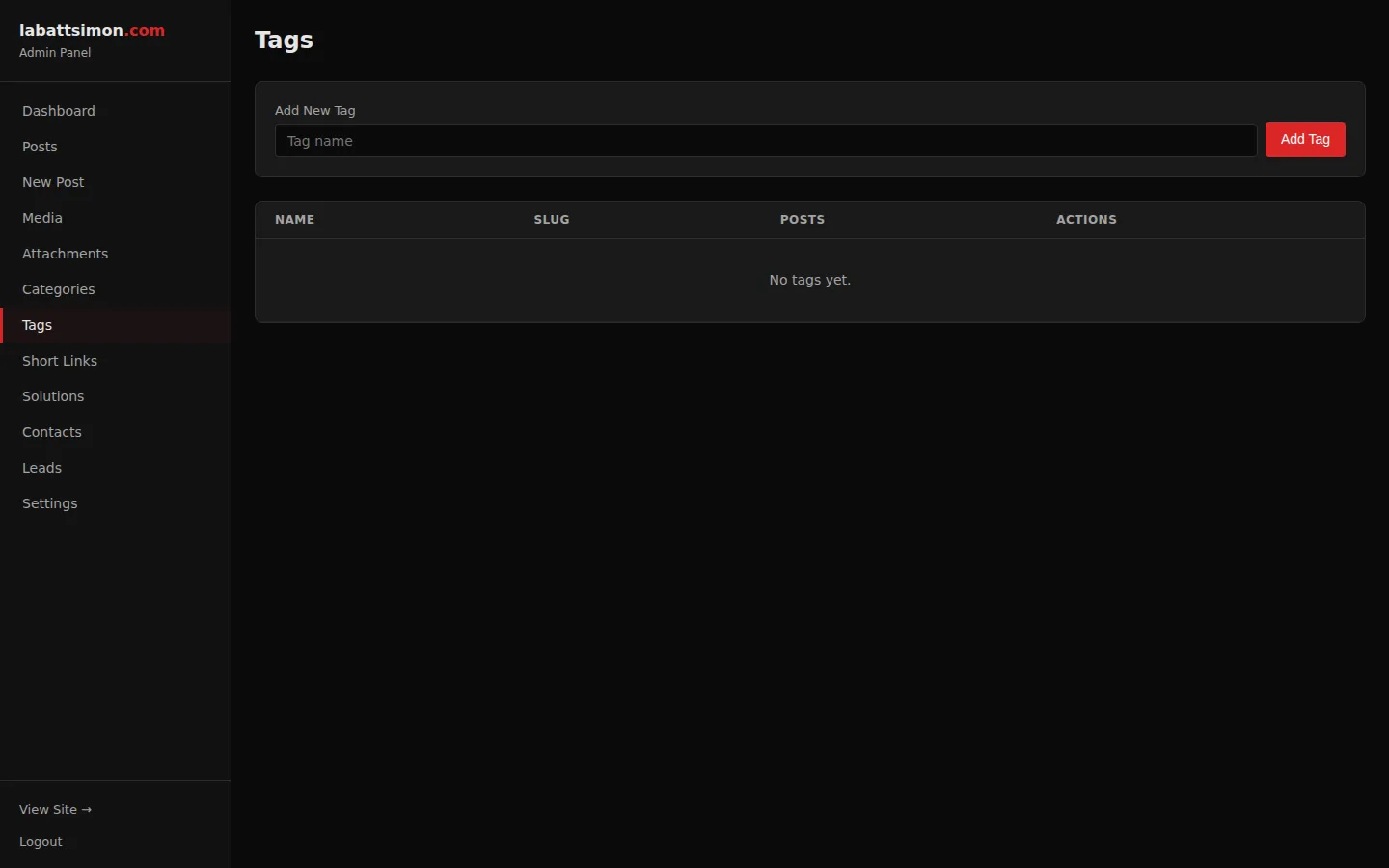
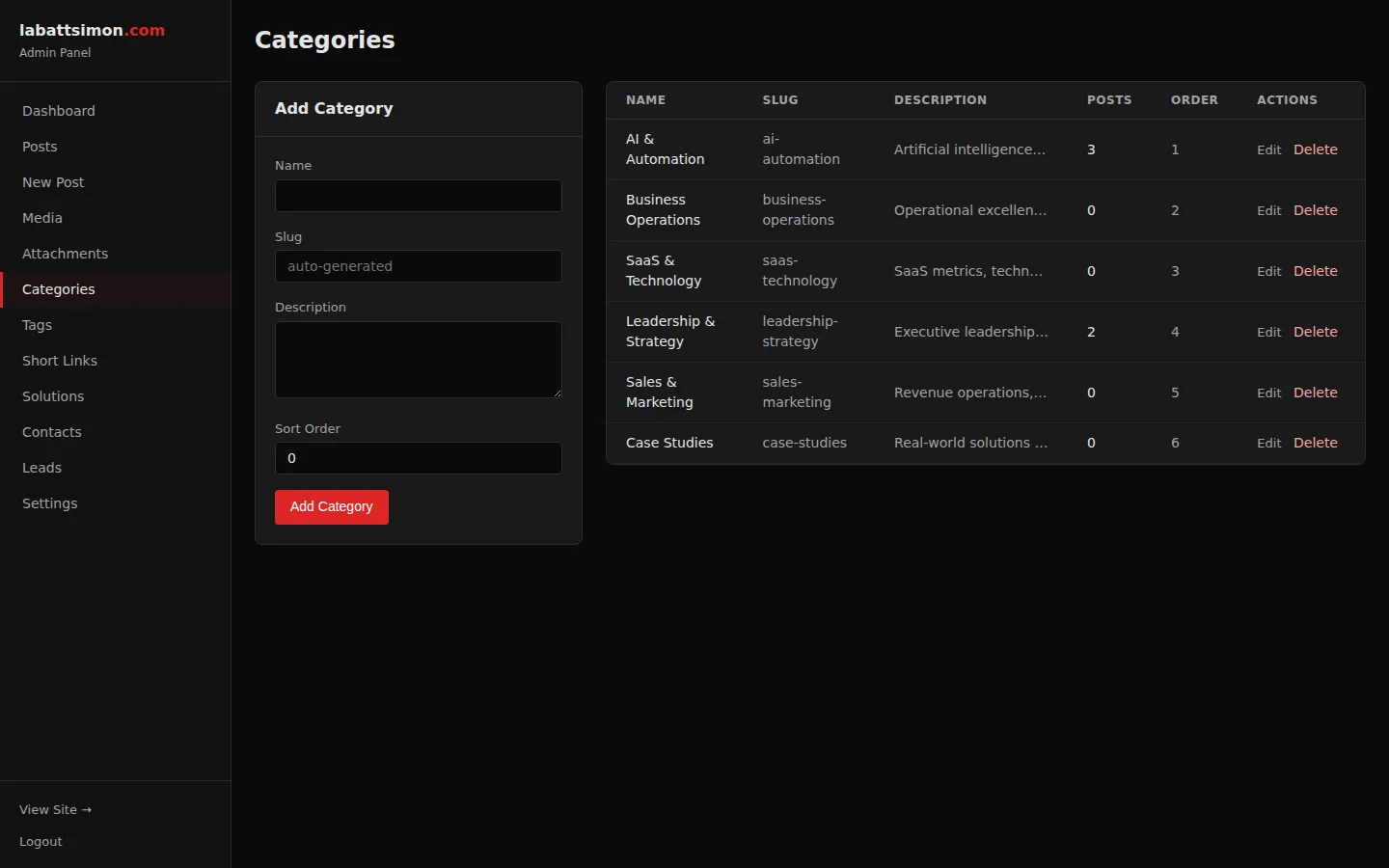
CRUD management for post categories and tags with post count indicators and inline editing.
Organized taxonomy keeps content discoverable and enables category-based filtering on the blog.
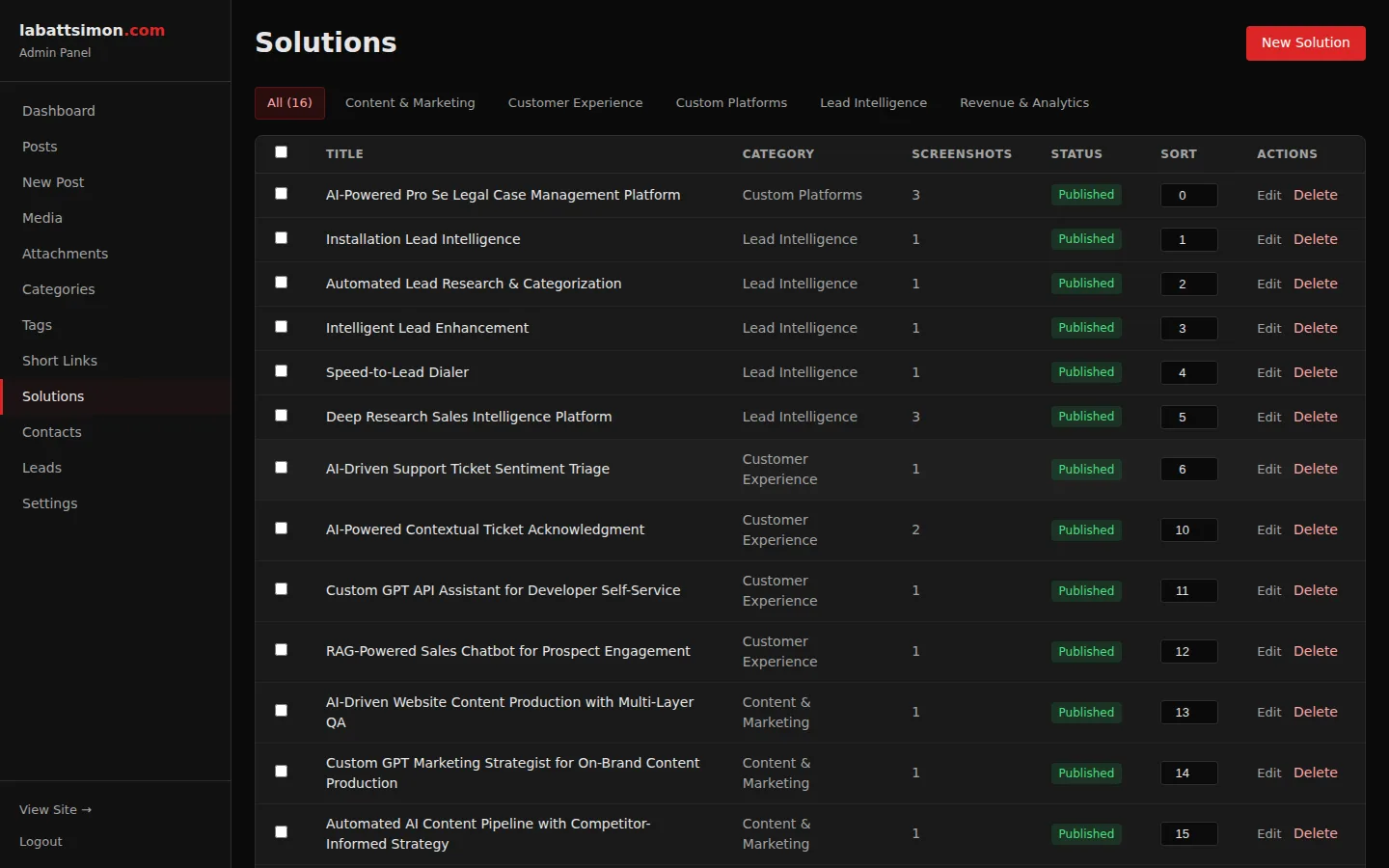
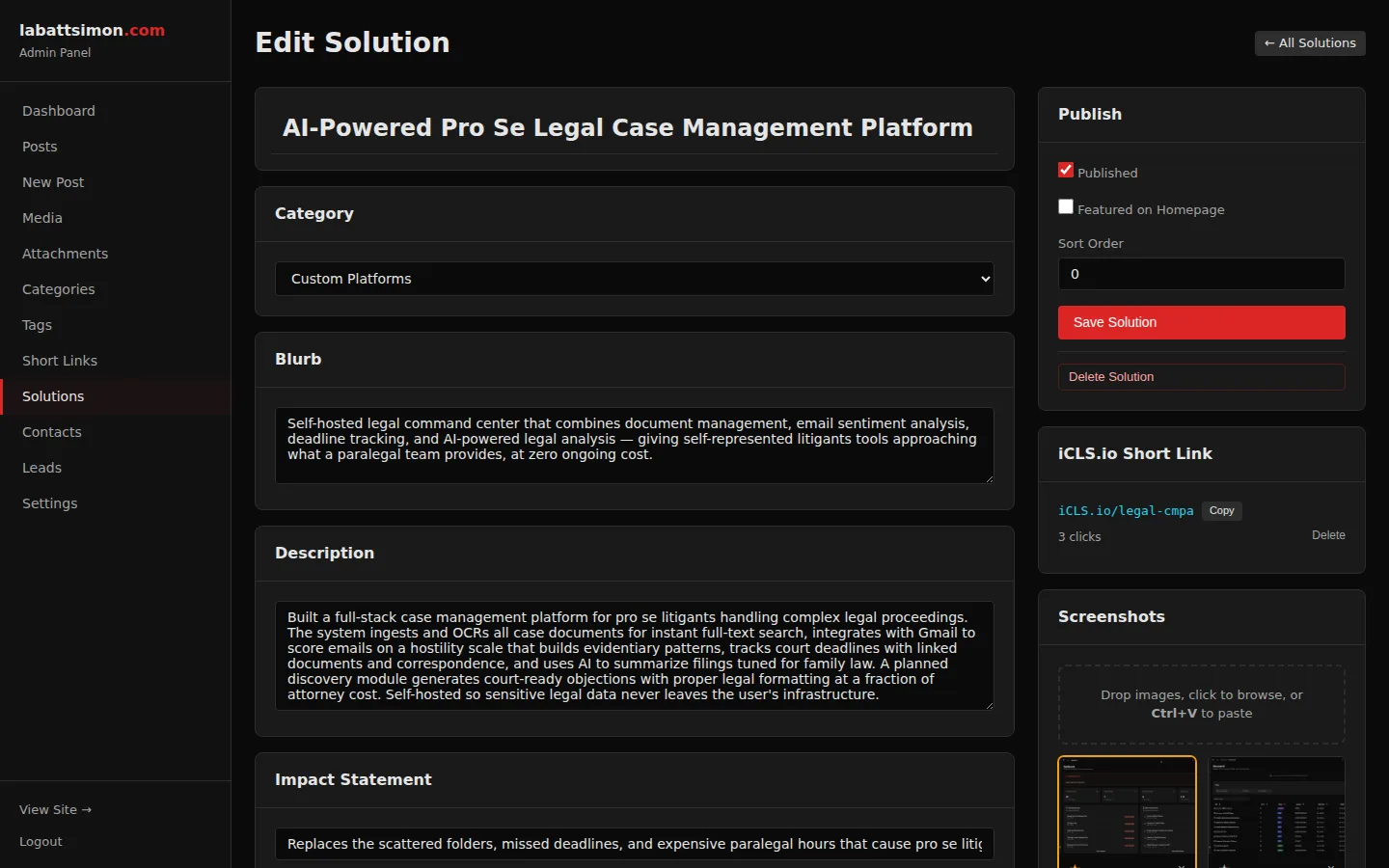
Admin editor for solutions with title, category, blurb, description, impact text, featured toggle, sort order, and multi-screenshot upload with drag reorder.
Full CRUD for the solutions portfolio — add case studies with screenshots that appear on both the homepage and solutions page.
Future-date posts and they'll auto-publish at the specified time. No cron required — all public queries filter by published_at <= NOW().
Write content in advance and schedule it. Queue a week of posts and walk away.
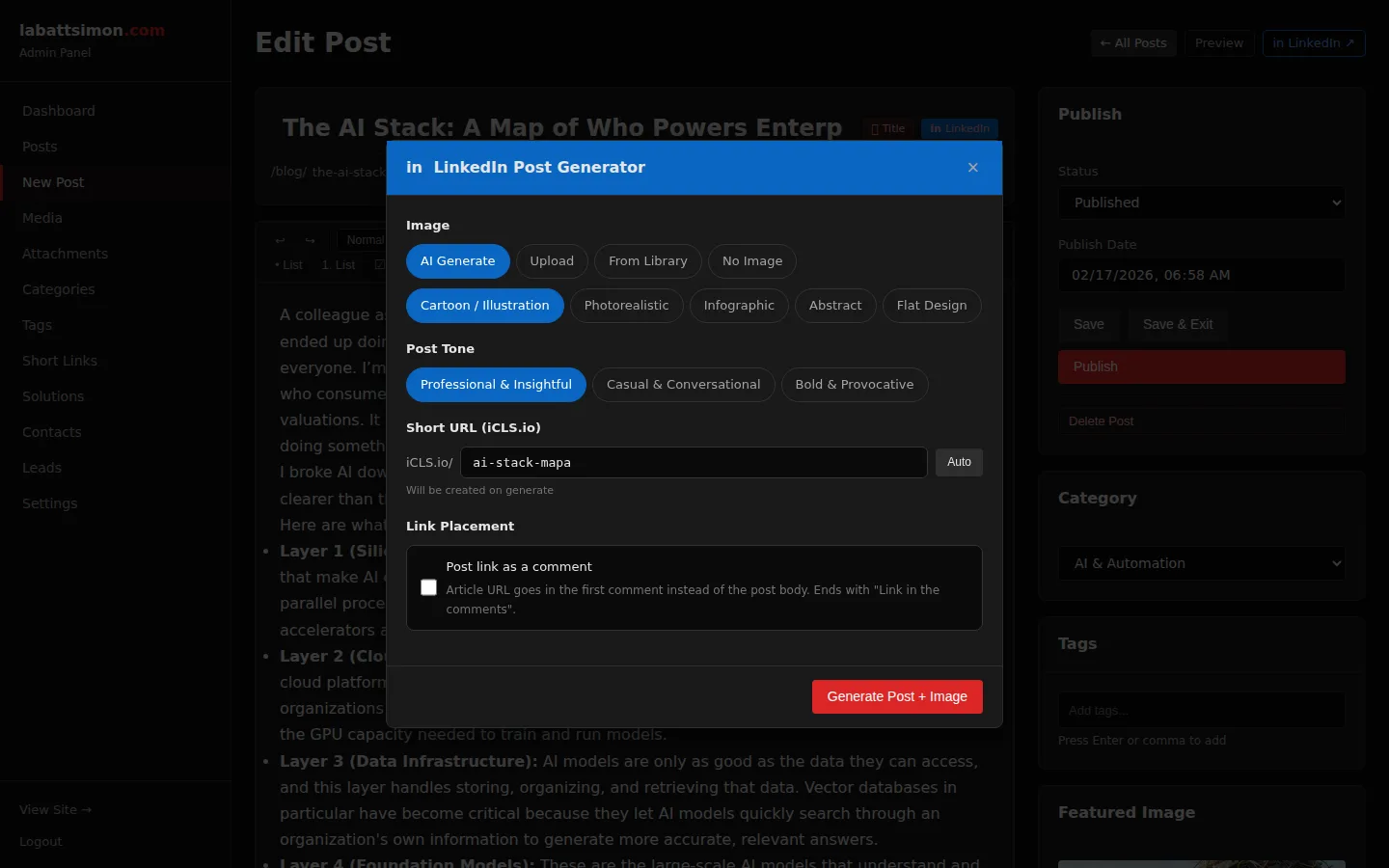
Blog post to LinkedIn presence in one click.
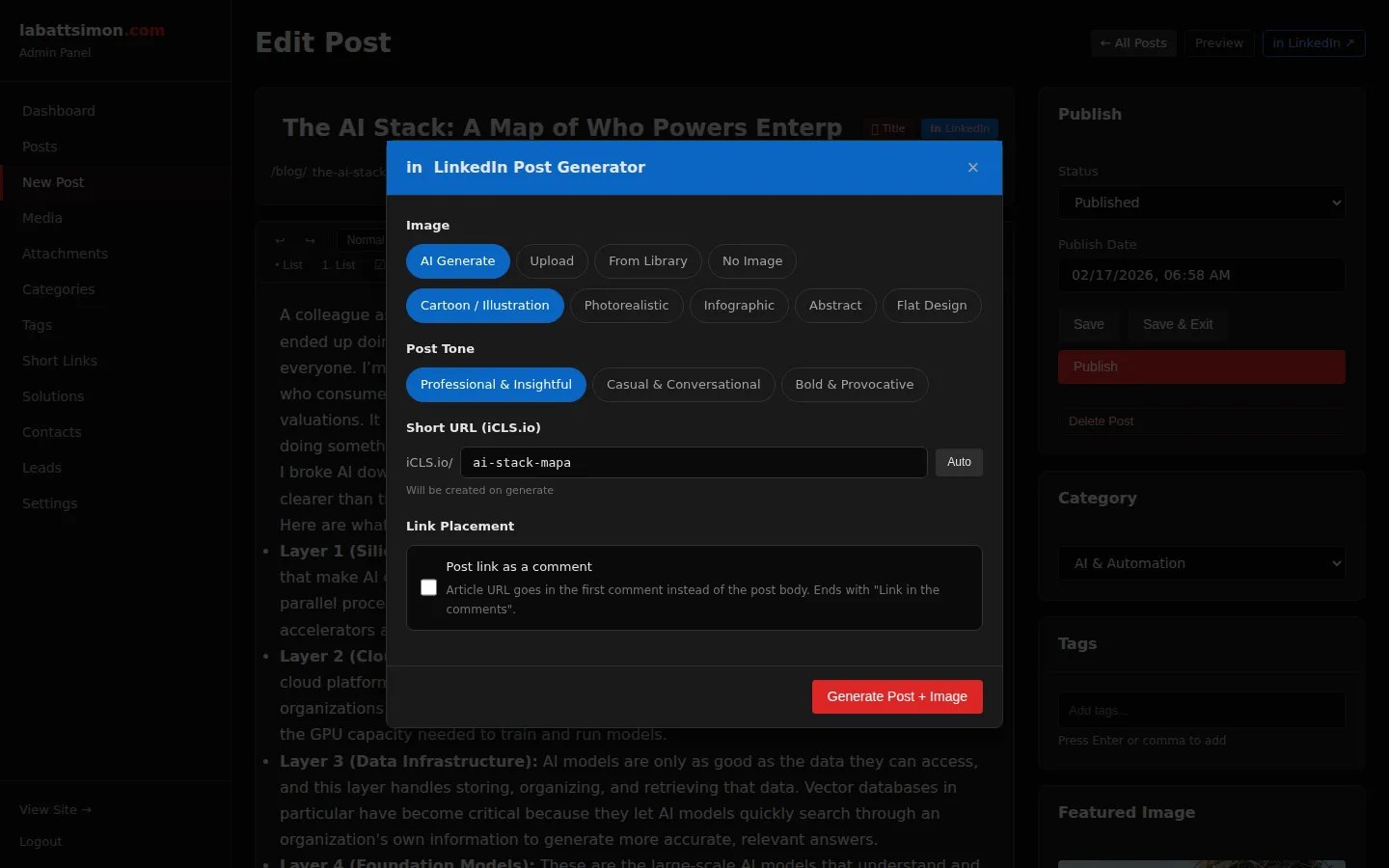
AI writes the LinkedIn post in your chosen style and tone, you review and approve, it publishes — with smart strategies like link-in-comments that actually work with the algorithm. Schedule posts to go live alongside your blog content, automatically.
AI-powered LinkedIn post creation with style options (thought leadership, storytelling, tactical), tone controls, and custom instructions. Generates text + optional image.
Turn any blog post into a LinkedIn post in seconds. Multiple style options keep content fresh and varied.
Publish directly to LinkedIn from the post editor. OAuth 2.0 integration with REST Posts API. Optional image upload (3-step: register, binary, asset URN).
Publish to LinkedIn without leaving the CMS. Image is uploaded and attached automatically.
Admin settings page with LinkedIn app connection: client ID/secret, OAuth authorization flow, token status with expiry tracking, connect/reconnect/disconnect controls.
Self-service LinkedIn connection — no developer needed. Visual status indicator shows token health.
Schedule LinkedIn posts alongside blog posts. Cron job triggers LinkedIn publish at the scheduled time with text, image, and optional link-in-comments.
Coordinated publishing — blog post and LinkedIn post go live at the same time, automatically.
Checkbox option to post the article URL as a first comment instead of in the post body. AI adjusts the post text accordingly. Background dispatch with 45-second delay.
LinkedIn's algorithm penalizes external links in posts. Moving the link to comments avoids the reach penalty while still driving traffic.
Attribution that actually tells you what's working.
A custom short-link domain, per-platform UTM attribution, bot detection, and QR codes — all built into the platform, not bolted on via third-party scripts. Every click is tracked, every source is identified, and the data flows into one dashboard.
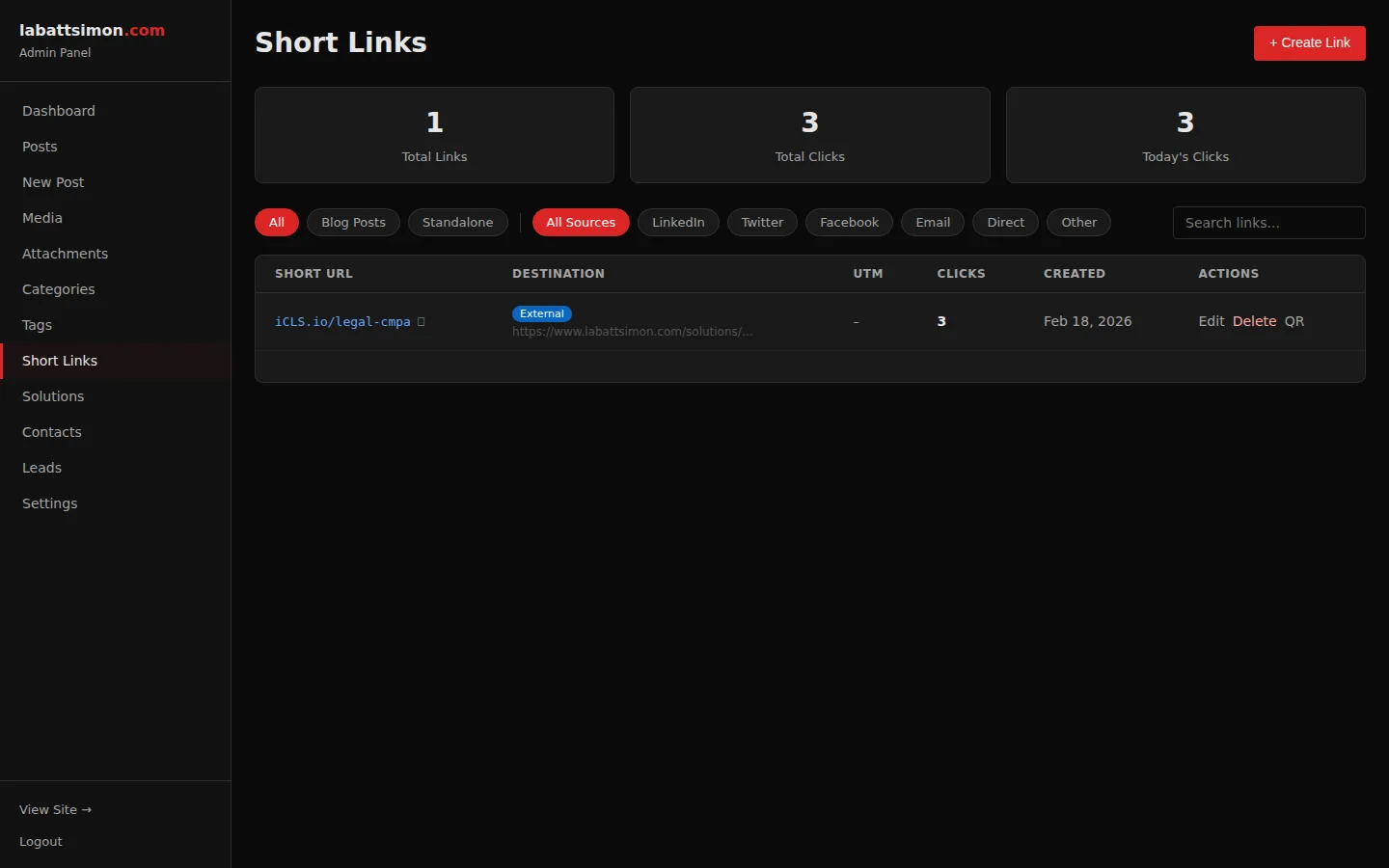
Custom short-link domain (iCLS.io) with auto-generated slugs per platform (LinkedIn, Twitter, Facebook, direct). HMAC-verified redirect chain with UTM parameter injection.
Know exactly which platform drives each visit. Professional branded short links instead of generic bit.ly URLs.
Per-link click tracking with bot detection, referrer logging, device info, and geographic data. Dashboard widget shows top-performing links.
Granular attribution data shows which content and platforms drive the most engagement.
On-demand QR codes for any short link, generated client-side. Downloadable for print materials, presentations, and events.
Bridge offline and online — print QR codes on business cards, handouts, or presentation slides.
Short link UTM parameters stored in a first-party cookie, then forwarded to Google Analytics on the next page load. Survives the redirect chain.
Campaign attribution that actually works — UTM data persists through redirects and lands correctly in GA4.
LinkedInBot, Twitterbot, and other social crawlers receive Open Graph meta tags instead of redirects. Ensures rich link previews on social platforms.
Links shared on social media display proper titles, descriptions, and images instead of redirect URLs.
Every interaction is an opportunity.
Contact forms on every page, email-gated downloads that turn content assets into lead magnets, and mailing list capture — all flowing into one unified view. No lead falls through the cracks because every channel feeds the same inbox.
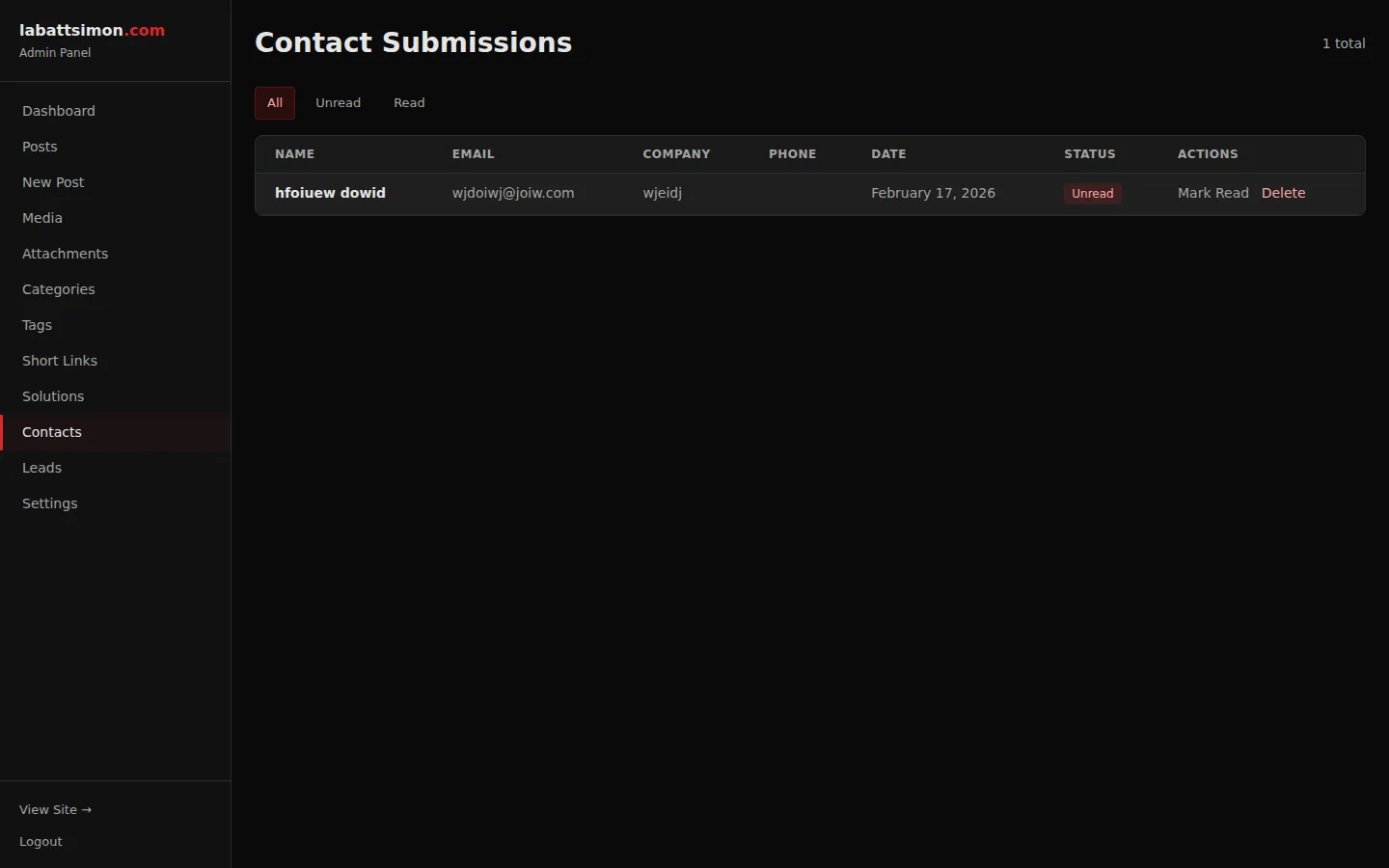
Admin inbox for contact form submissions with read/unread status, timestamp, full message preview, and reply link. Captures both homepage and modal form submissions.
Every lead tracked in one place. Read/unread status ensures nothing falls through the cracks.
Attachments can require email address before download. Sends a 24-hour token link via email, upserts into mailing list, and tracks download count.
Turn content assets into lead magnets. Capture emails in exchange for valuable resources like whitepapers and templates.
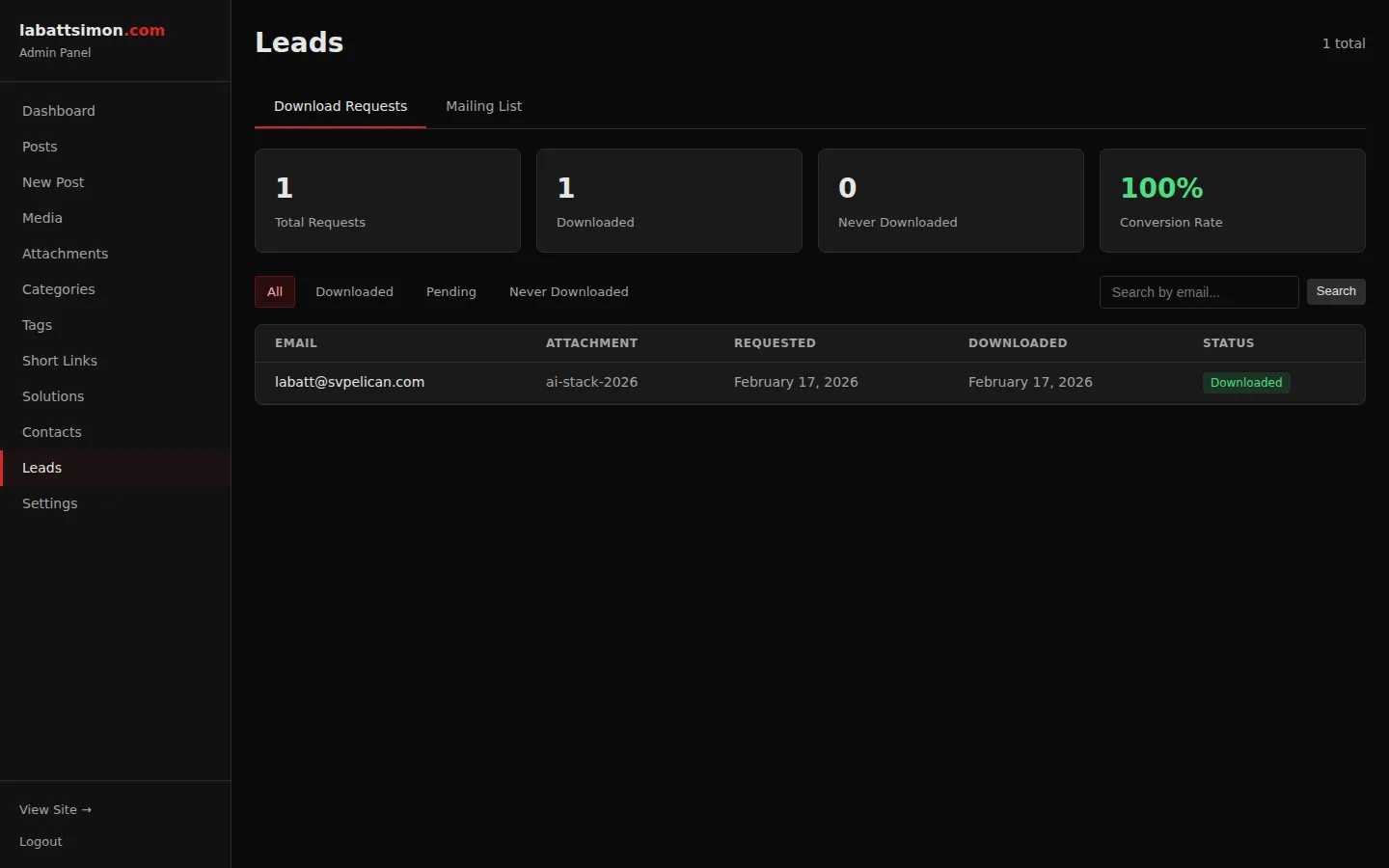
Admin view of download requests and mailing list subscribers. Tabs for downloads (with attachment details, IP, timestamp) and mailing list (with source tracking).
Unified view of all lead capture channels — form submissions, download requests, and mailing list signups.
Perfect Lighthouse scores. Not close — perfect.
100/100 across all four Lighthouse categories: Performance, Accessibility, Best Practices, and SEO. Self-hosted fonts eliminate external requests, third-party scripts are deferred until after the page is interactive, and every image is served in optimized WebP at responsive sizes. Performance isn't a feature — it's the foundation everything else is built on.
Inter font served from the same domain (4 woff2 files: normal+italic x latin+latin-ext). Eliminates Google Fonts external request and associated privacy/GDPR concerns.
Faster first paint (no external font request), improved Lighthouse score, and GDPR compliance.
Google Tag Manager deferred by 5 seconds. reCAPTCHA loaded only on form focus. Tracking scripts use defer attribute. Critical CSS inlined on homepage.
Lighthouse performance score of 99. Third-party scripts don't block the initial render.
All solution screenshots served in WebP at 3 sizes (400w, 800w, 1200w) with srcset. Headshot images optimized from 1.2MB JPEG to 15KB/37KB WebP.
Dramatic file size reduction (97% for headshot) with no visible quality loss. Responsive sizes prevent mobile bandwidth waste.
JSON-LD schema markup on blog posts (Article), about page (Person), and solutions. Open Graph and Twitter Card meta on every page.
Rich results in Google, proper link previews on social media, and enhanced search visibility.
Multi-layered protection you'll never notice.
reCAPTCHA v3 with invisible scoring and honeypot fallback, CSRF tokens on every form, rate limiting on sensitive endpoints, and secure session management — without a single "are you a robot?" checkbox interrupting the experience. Security that works in the background, exactly where it should be.
Google reCAPTCHA v3 with invisible scoring on all forms. Honeypot field as fallback. reCAPTCHA only loaded when a form receives focus (lazy loading).
Multi-layered spam protection that doesn't interrupt the user experience. No "click all the traffic lights" challenges.
Secure admin login with PHP sessions, CSRF token validation on all forms, rate limiting on login attempts, and automatic session timeout.
Defense-in-depth: multiple security layers protect the admin panel from unauthorized access and common web attacks.
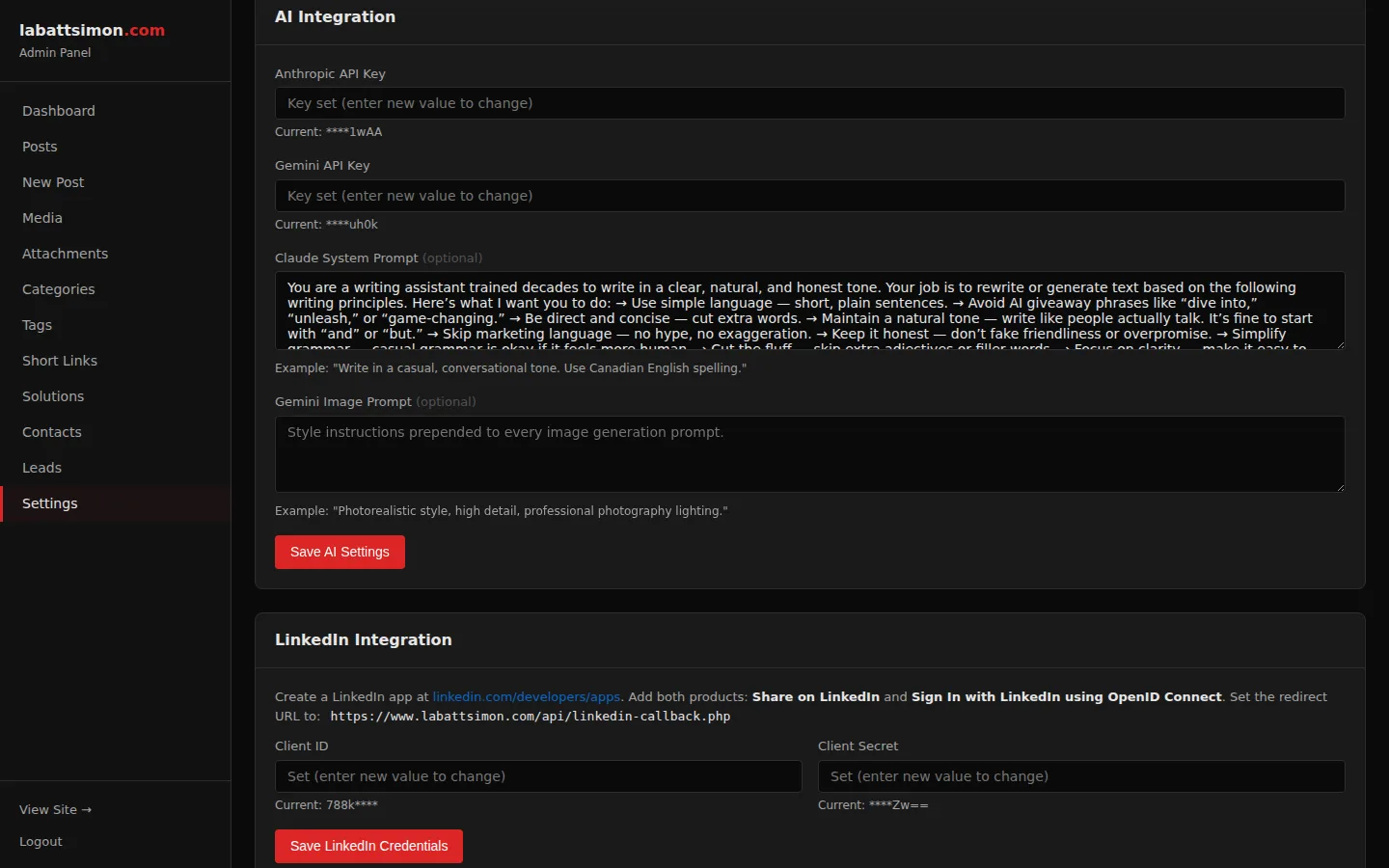
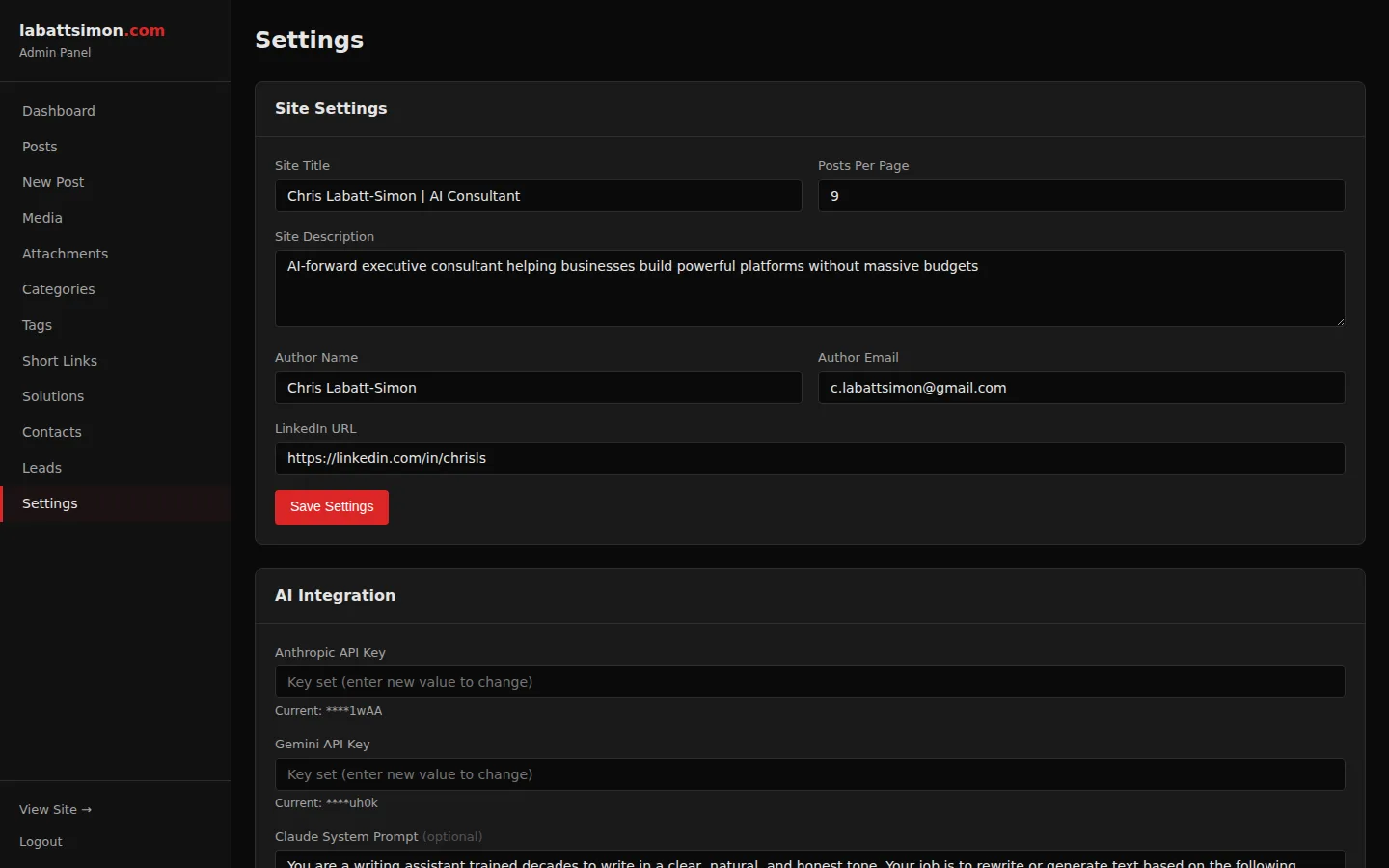
Centralized settings management with API keys, LinkedIn OAuth configuration, reCAPTCHA keys, and site metadata — all stored in the database, not config files.
Sensitive credentials stored in the database with proper access controls, not in version-controlled config files.
Next Step
Every feature on this page is live and running in production. Want a walkthrough of the CMS, AI tools, and LinkedIn automation? Let's schedule a demo.
Let's Talk